Sync Provider for Proton
Android 10+ · Targets Android 15 · Beta

Sync Provider for Proton

A native Android sync adapter that brings your Proton Contacts and Proton Calendar to every app on your phone — fully encrypted, fully offline-capable.

Beta End-to-end encrypted


What it does

Your Proton account, everywhere.

01 — Contacts

Contacts Sync

  • Full two-way sync with Proton Contacts
  • All fields: name, email, phone, address, photo, birthday…
  • Contact groups / labels
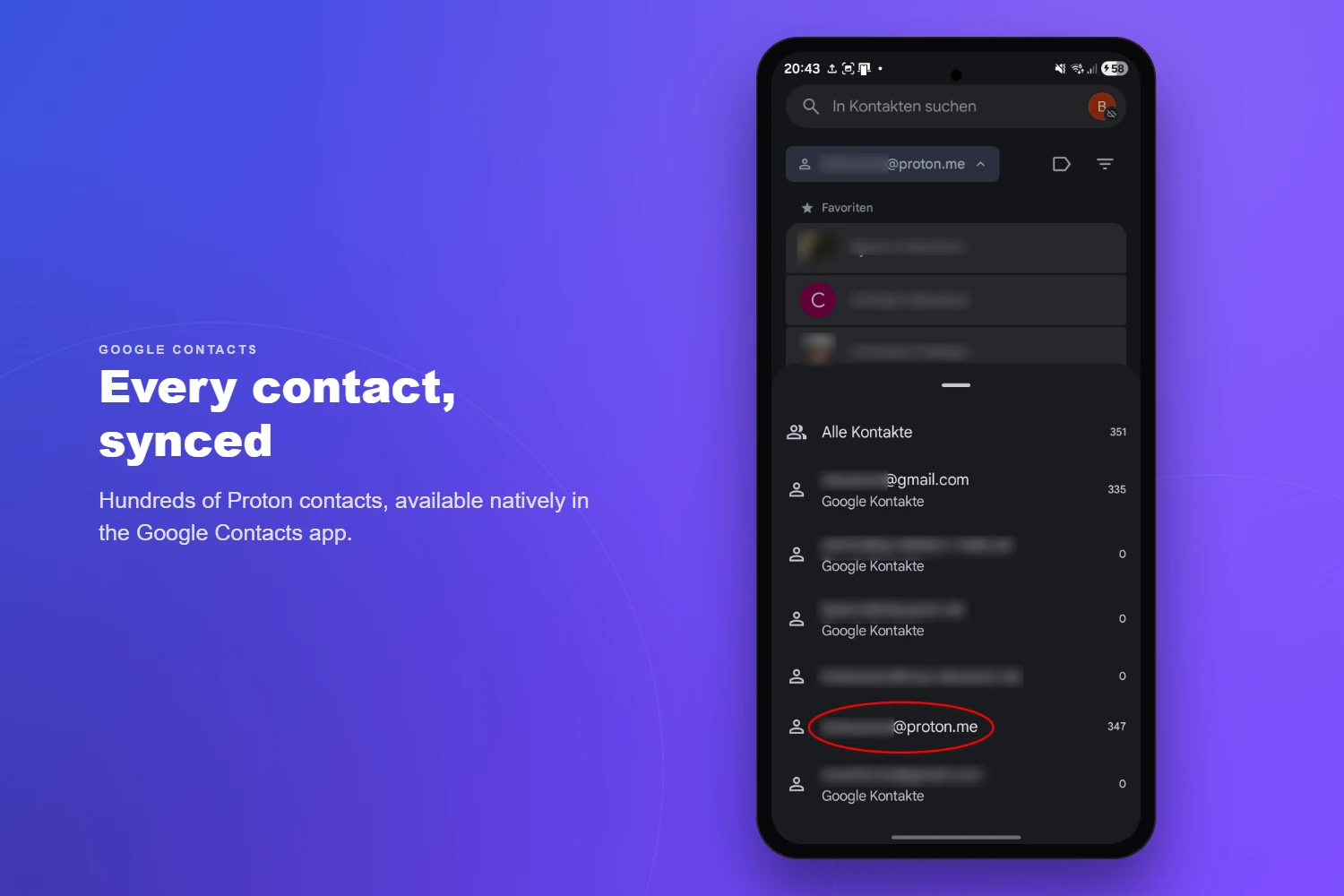
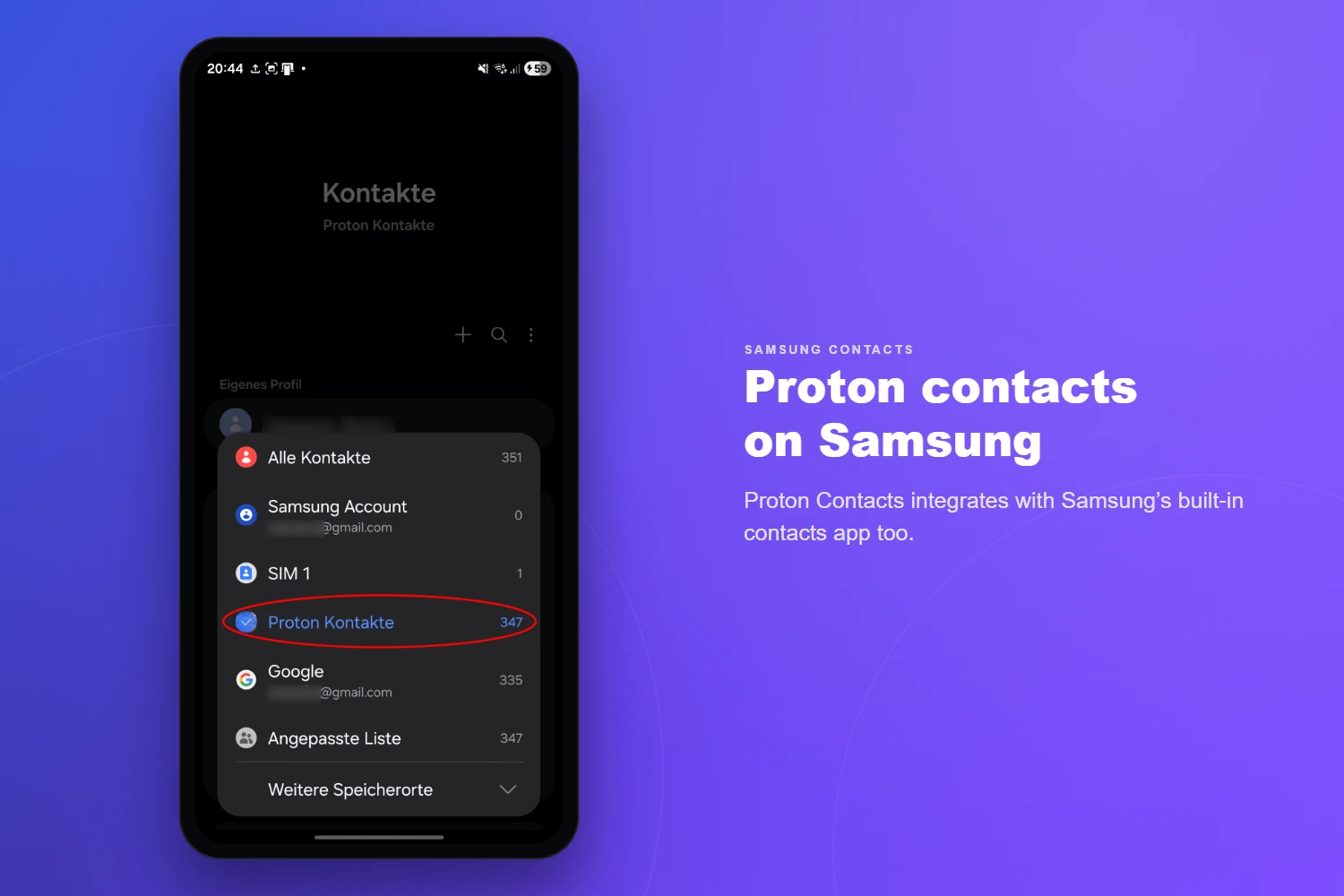
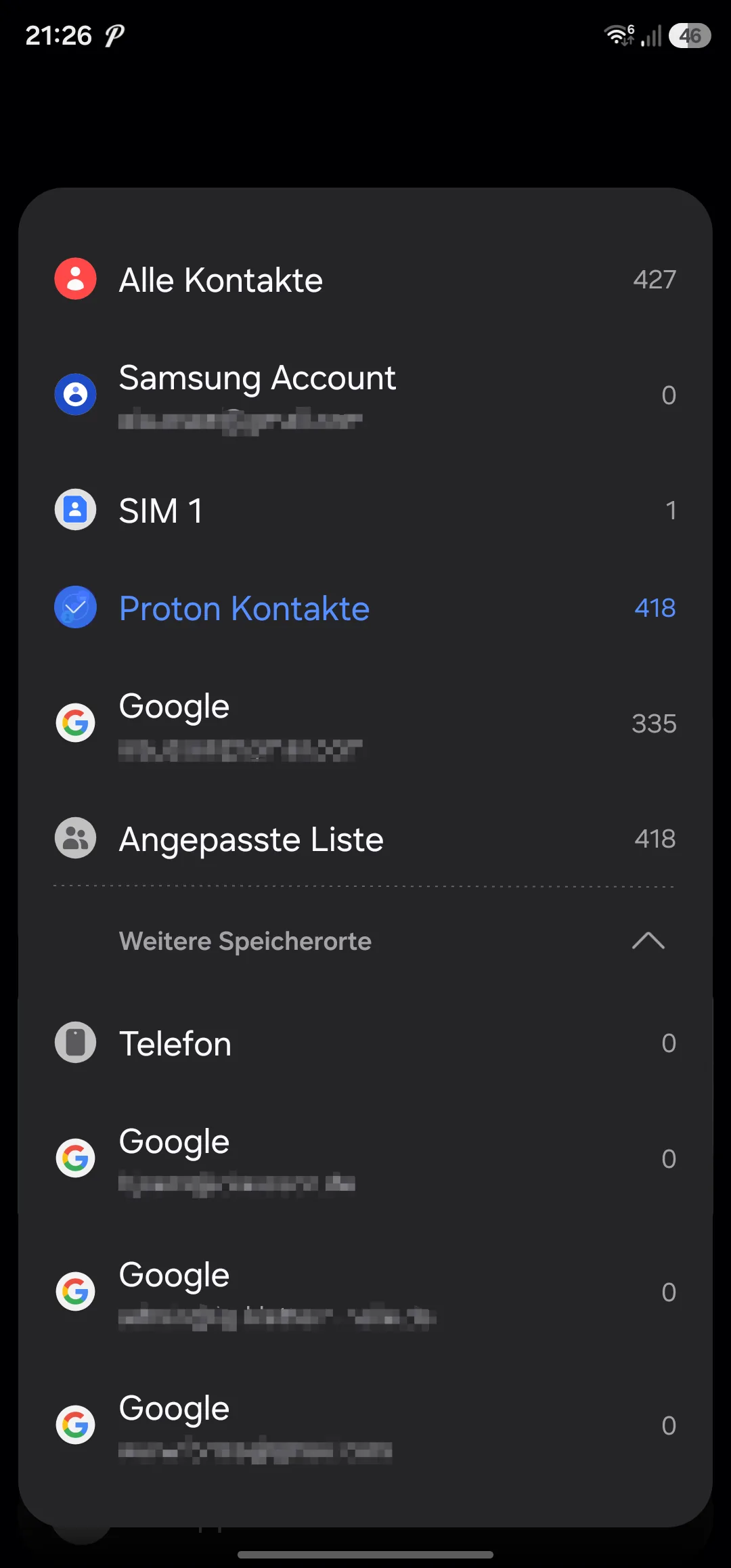
  • Works with Samsung Contacts & Google Contacts
  • Intelligent conflict detection with resolution UI
  • Incremental sync — only changed contacts are fetched
02 — Calendar

Calendar Sync

  • Full two-way sync with Proton Calendar
  • Events, all-day events, time zones, locations, descriptions
  • Full recurring event support (RRULE, RDATE, EXDATE)
  • Edit single occurrence, this-and-future, or entire series
  • Reminders / alarms mapped to Android notifications
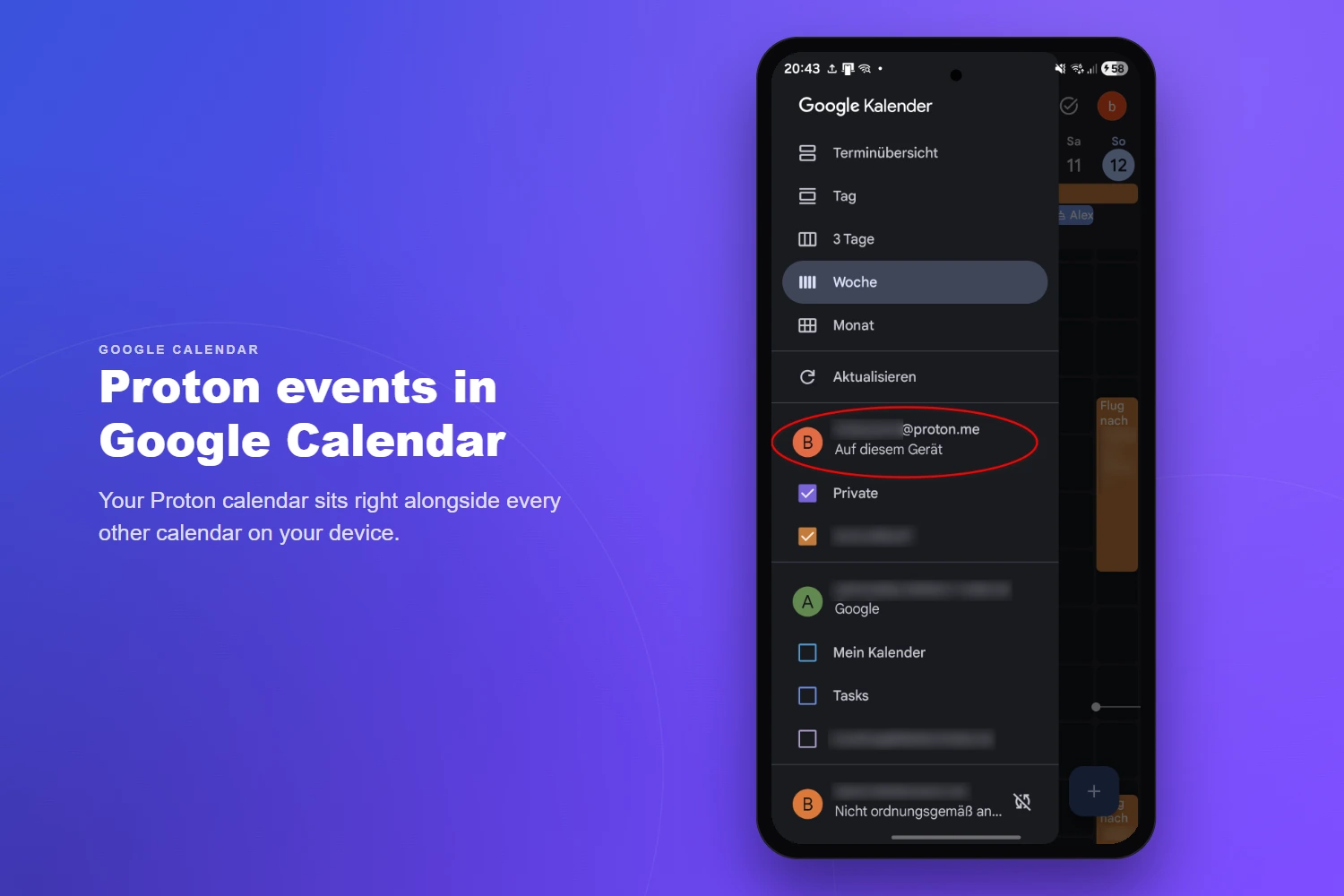
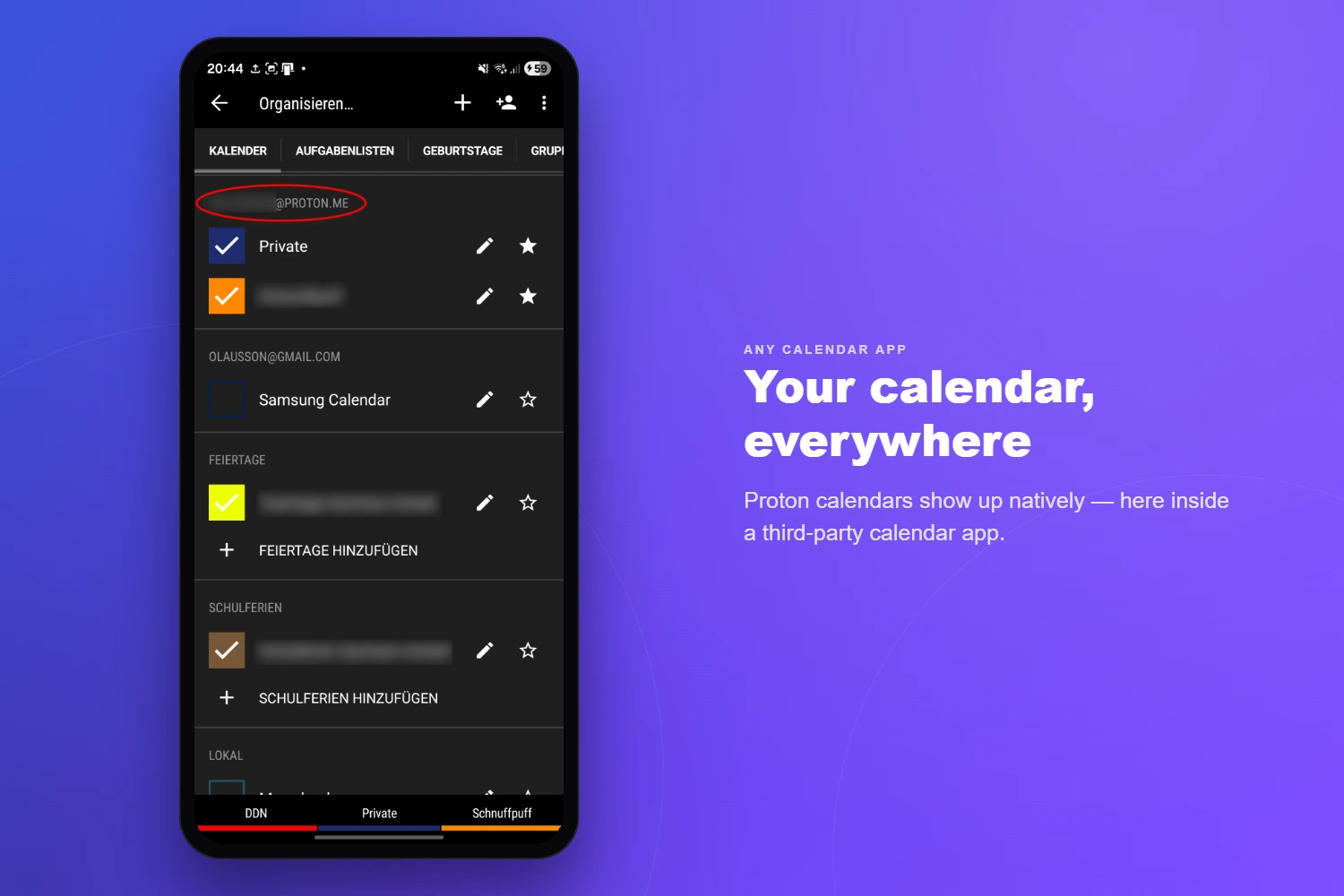
  • Multiple calendar support with colors
03 — Invites

Attendees & Invitations

  • Attendee management with participation status
  • Send invitation, update, and cancellation emails
  • Poll attendee responses (accepted / declined / tentative)
  • Organizer details and roles
04 — Security

Security & Authentication

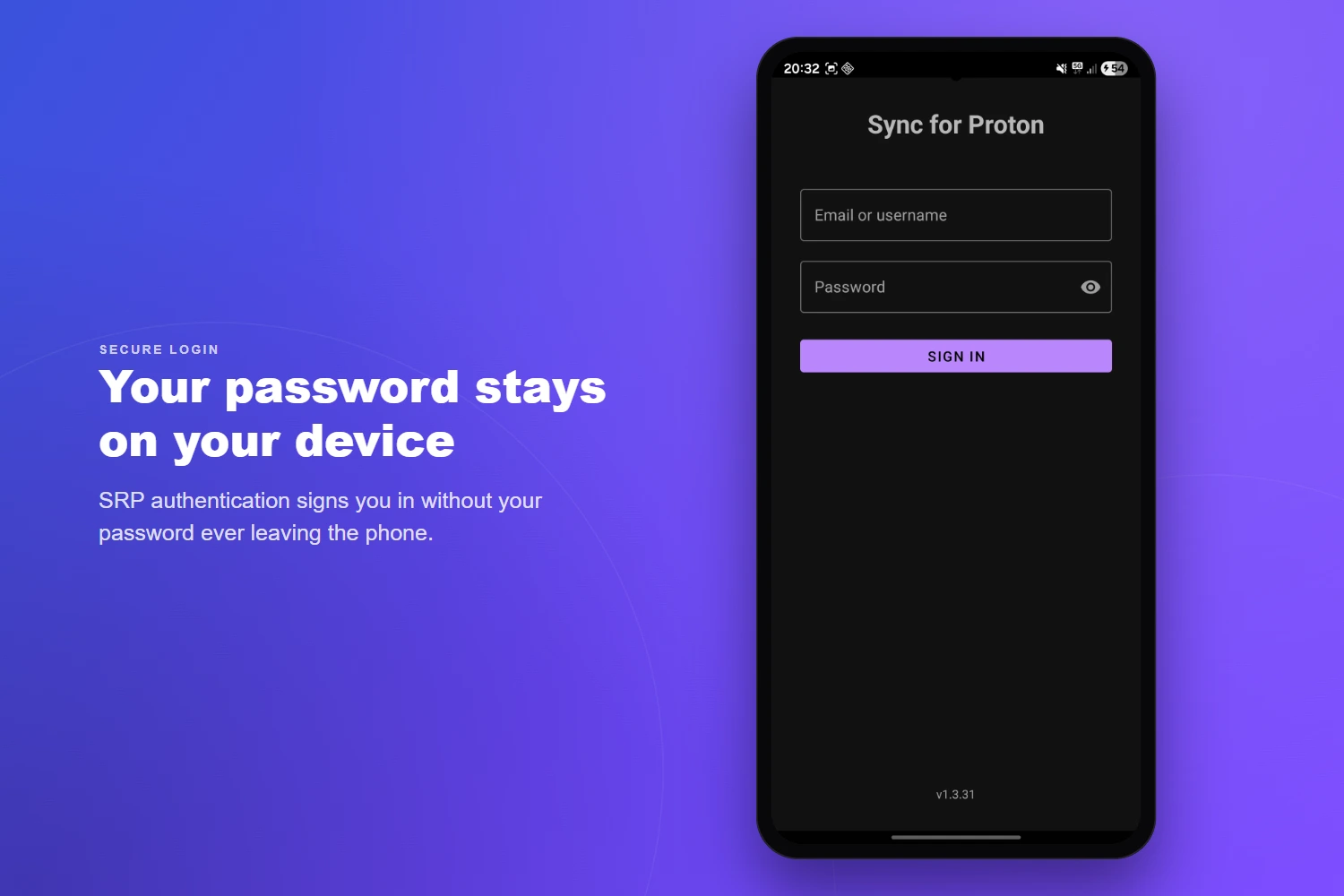
  • SRP 6a — password never transmitted in plaintext
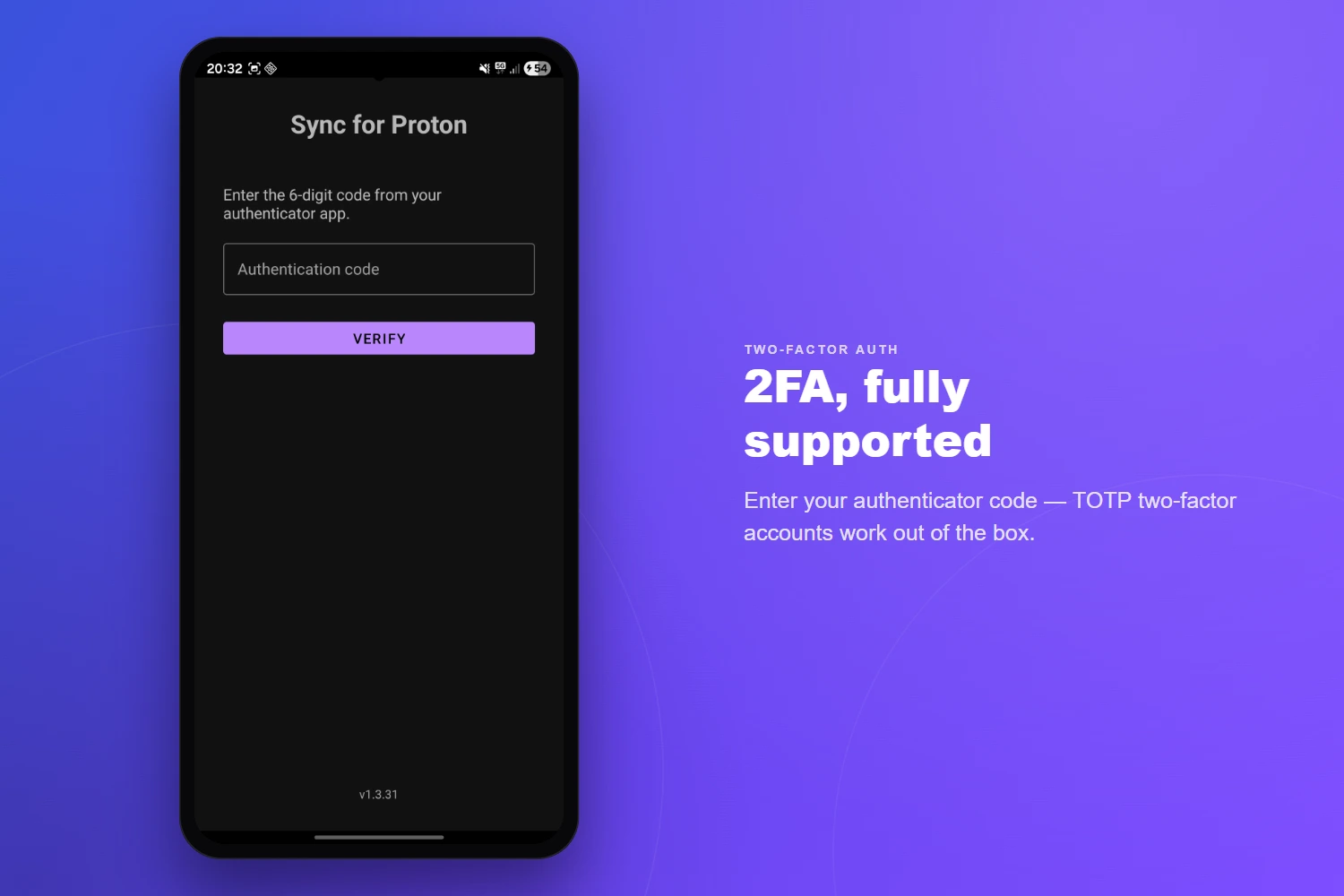
  • Two-factor authentication (TOTP)
  • Hardware-backed Keystore for credentials
  • AES-256-GCM encrypted local token storage
  • OpenPGP encryption for all contact & calendar data
  • No analytics, tracking, or third-party data sharing
05 — Scheduling

Sync Framework

  • Configurable intervals: 15 min, 30 min, 1 h, 4 h, or custom
  • Manual sync and full re-sync (Remote→Local / Local→Remote)
  • Lightweight event-loop poller between full syncs
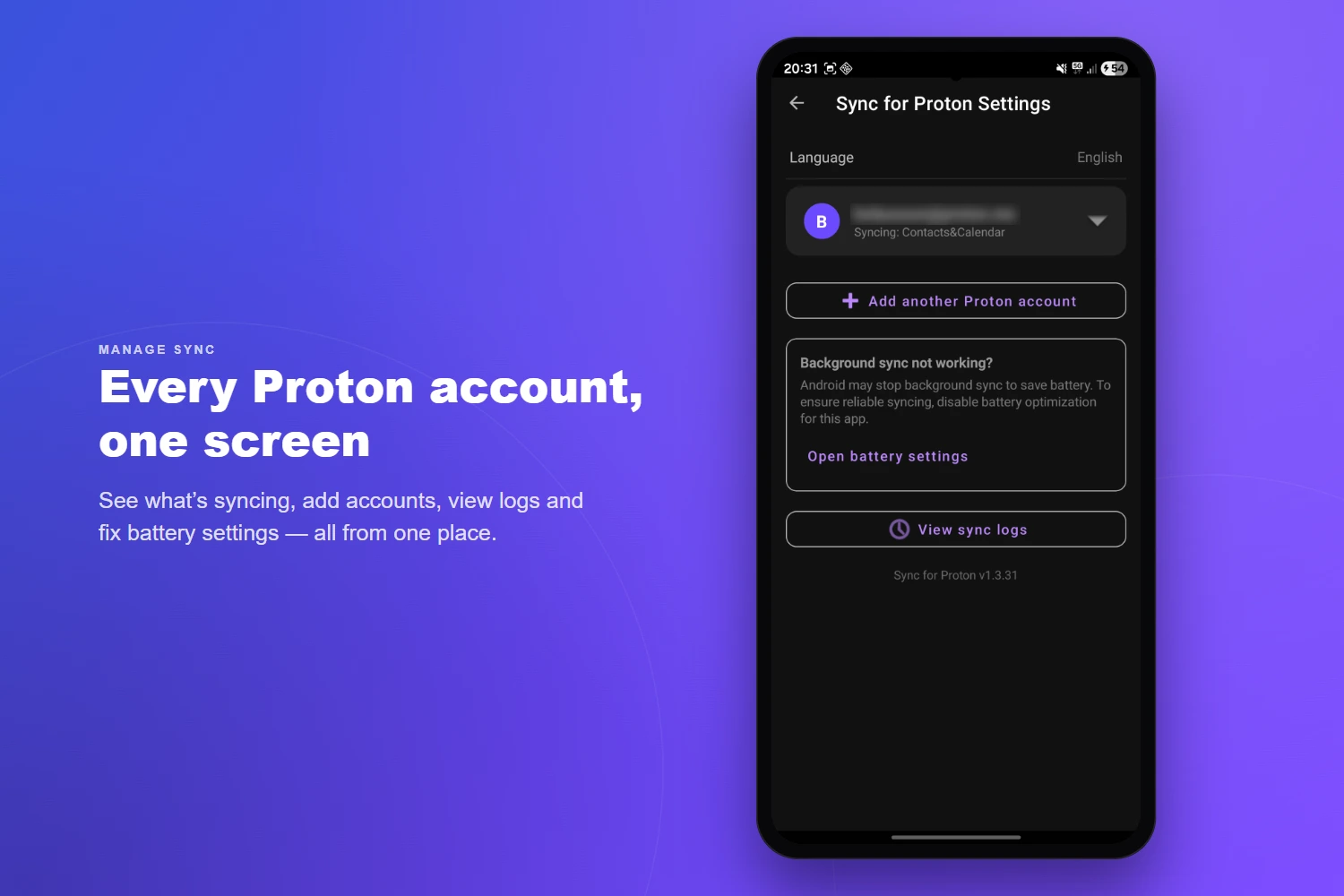
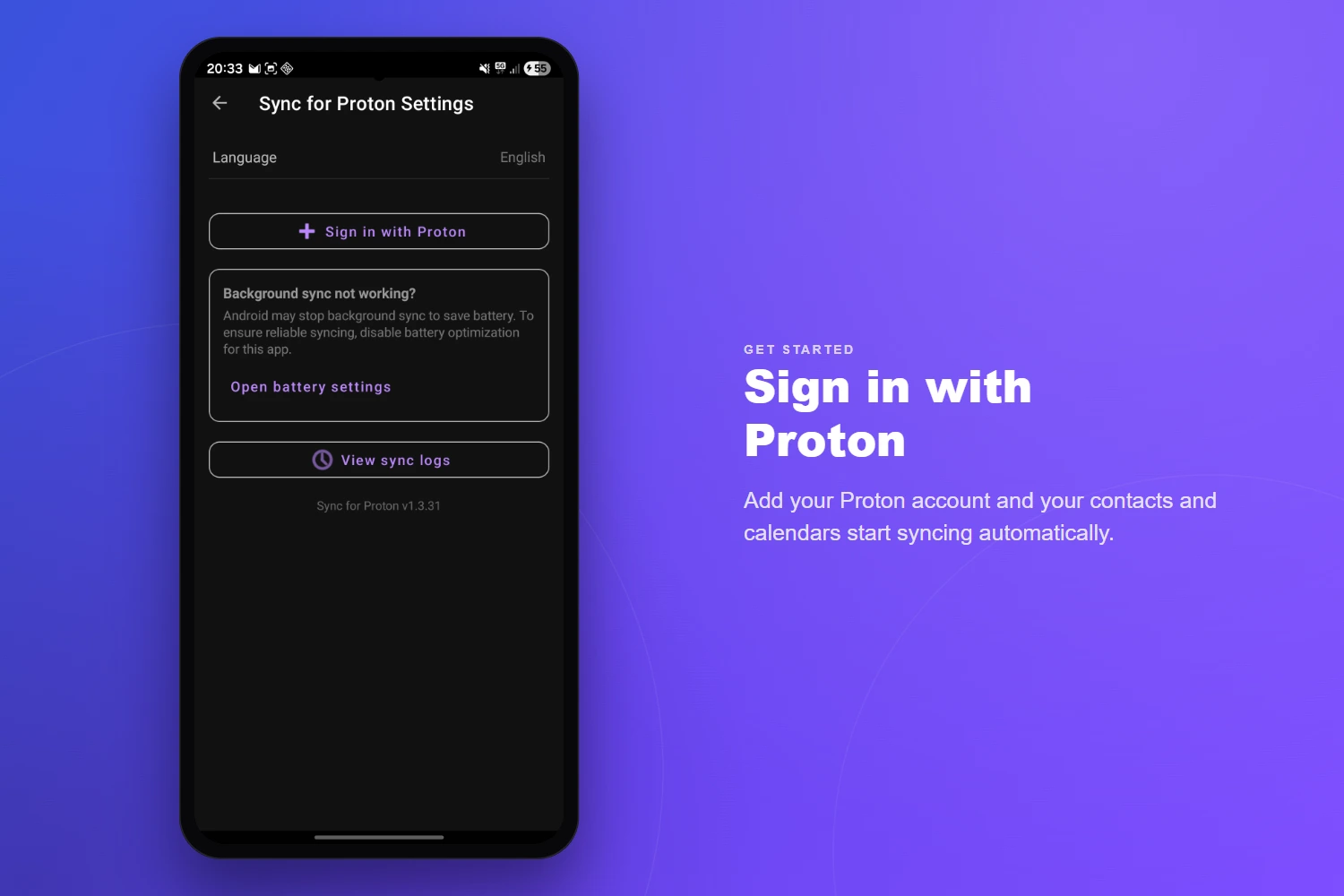
  • Background WorkManager with battery-optimization guidance
  • Separate intervals for contacts and calendar
06 — Accounts

Multi-Account

  • Multiple Proton accounts on one device
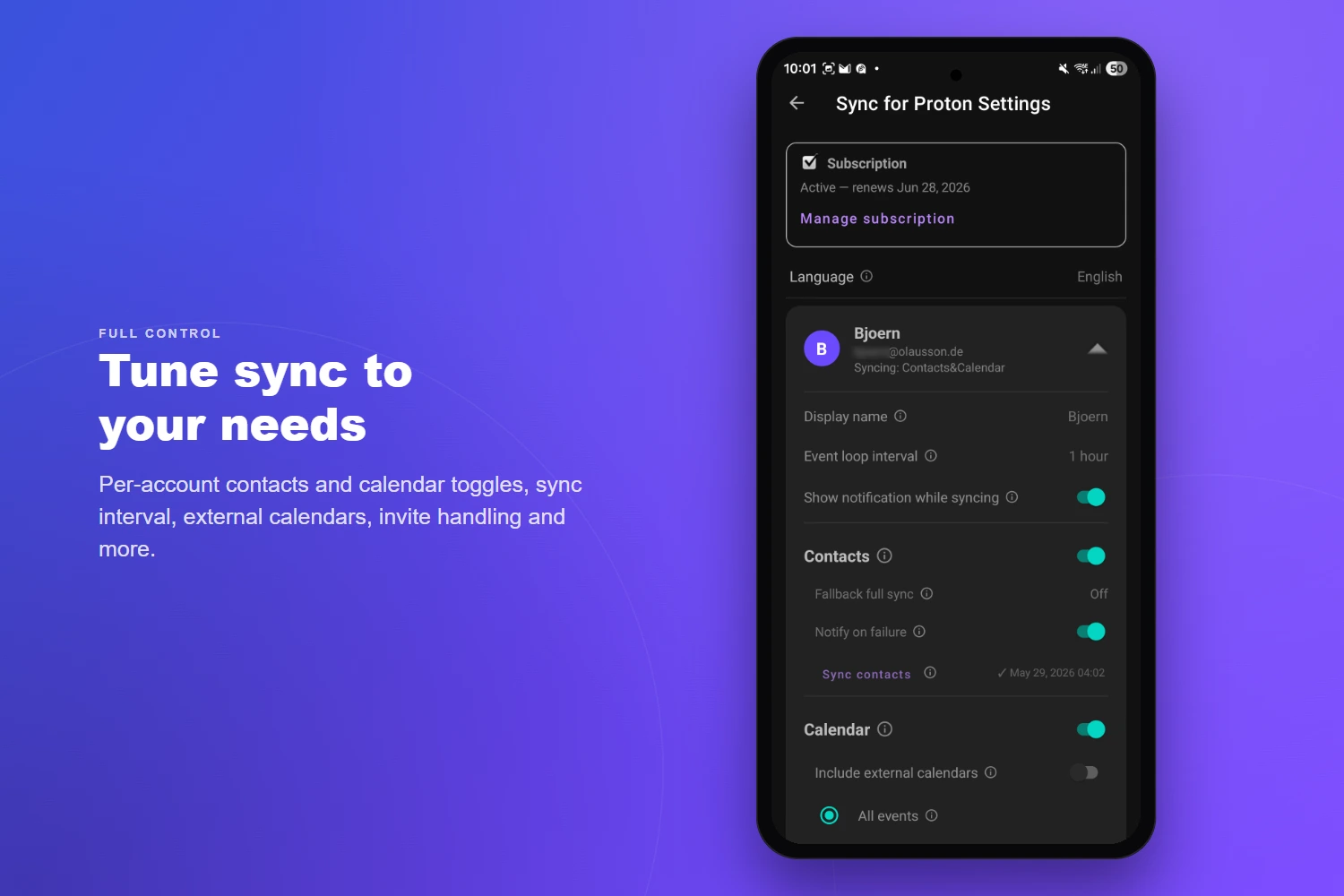
  • Per-account sync settings and intervals
  • Per-account enable/disable for contacts & calendar
  • Custom display names per account
  • Easy re-authentication and account removal
07 — Settings

Configuration

  • Card-based, collapsible per-account settings
  • Calendar sync timeframe (past & future days)
  • Exclude external / subscribed calendars
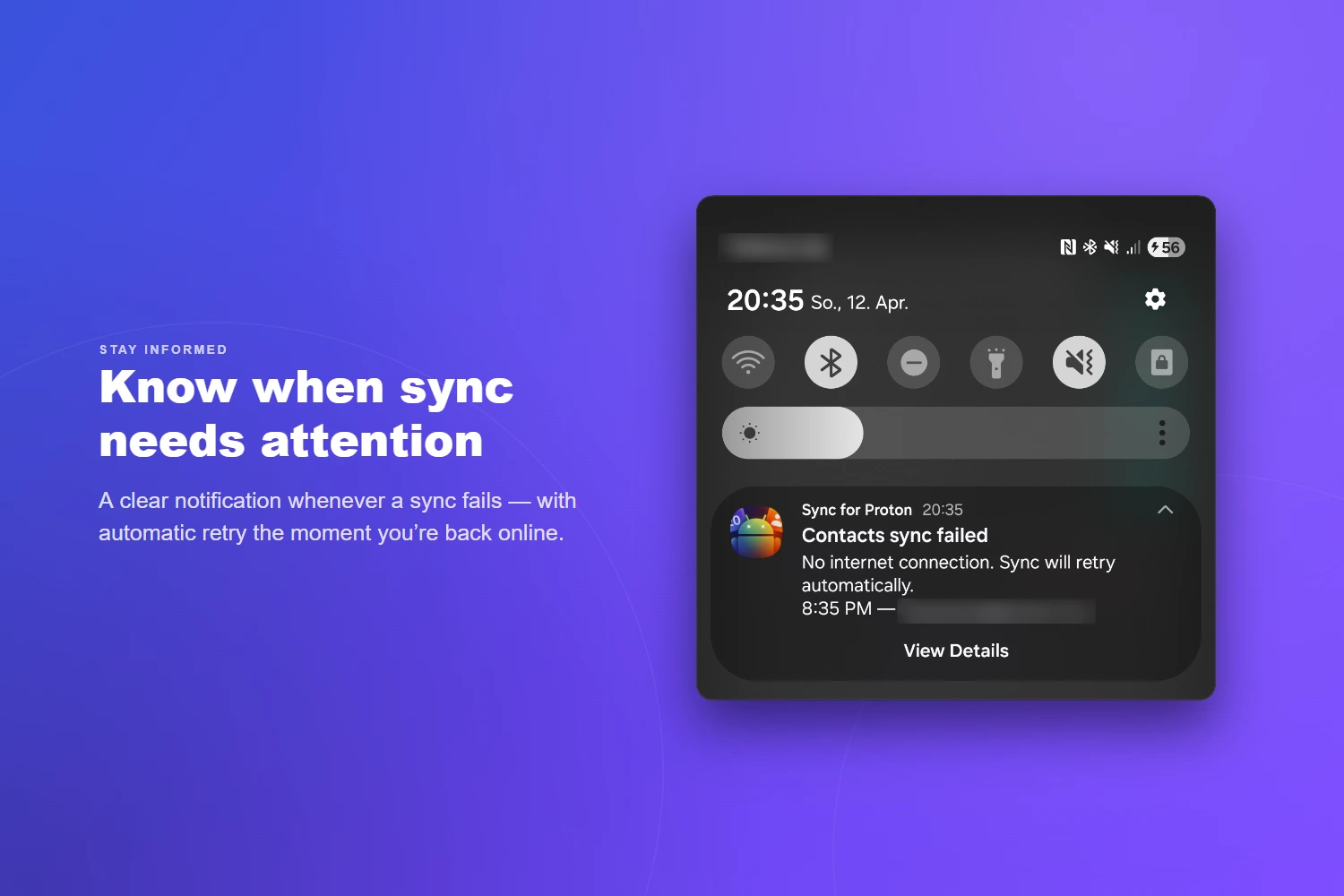
  • Notification-on-failure toggle
  • Backup & restore — export settings (and optionally accounts) to a password-encrypted file
  • Migrate to a new phone, or switch install source, without signing in again
  • Multiple languages supported
08 — Diagnostics

Logging

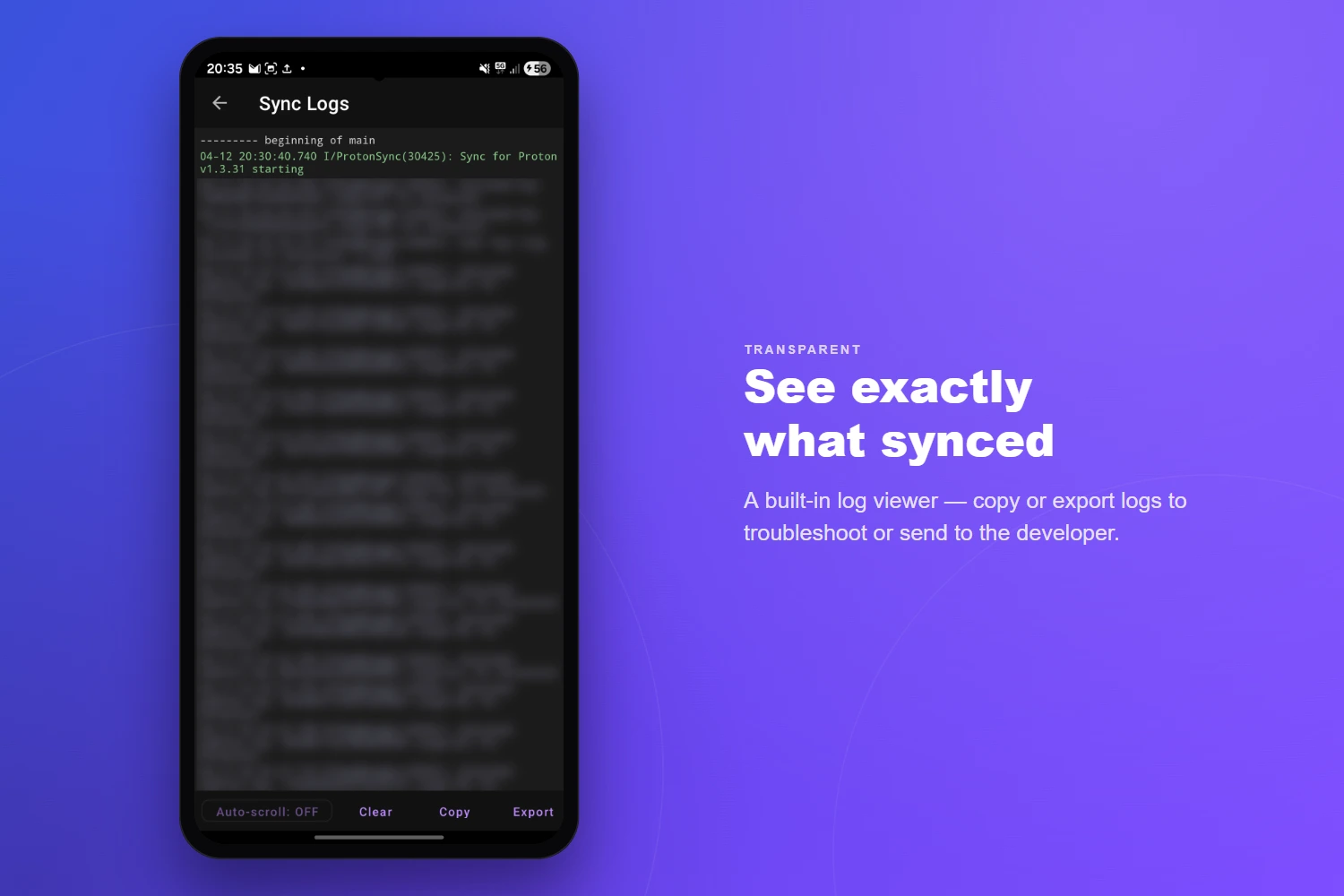
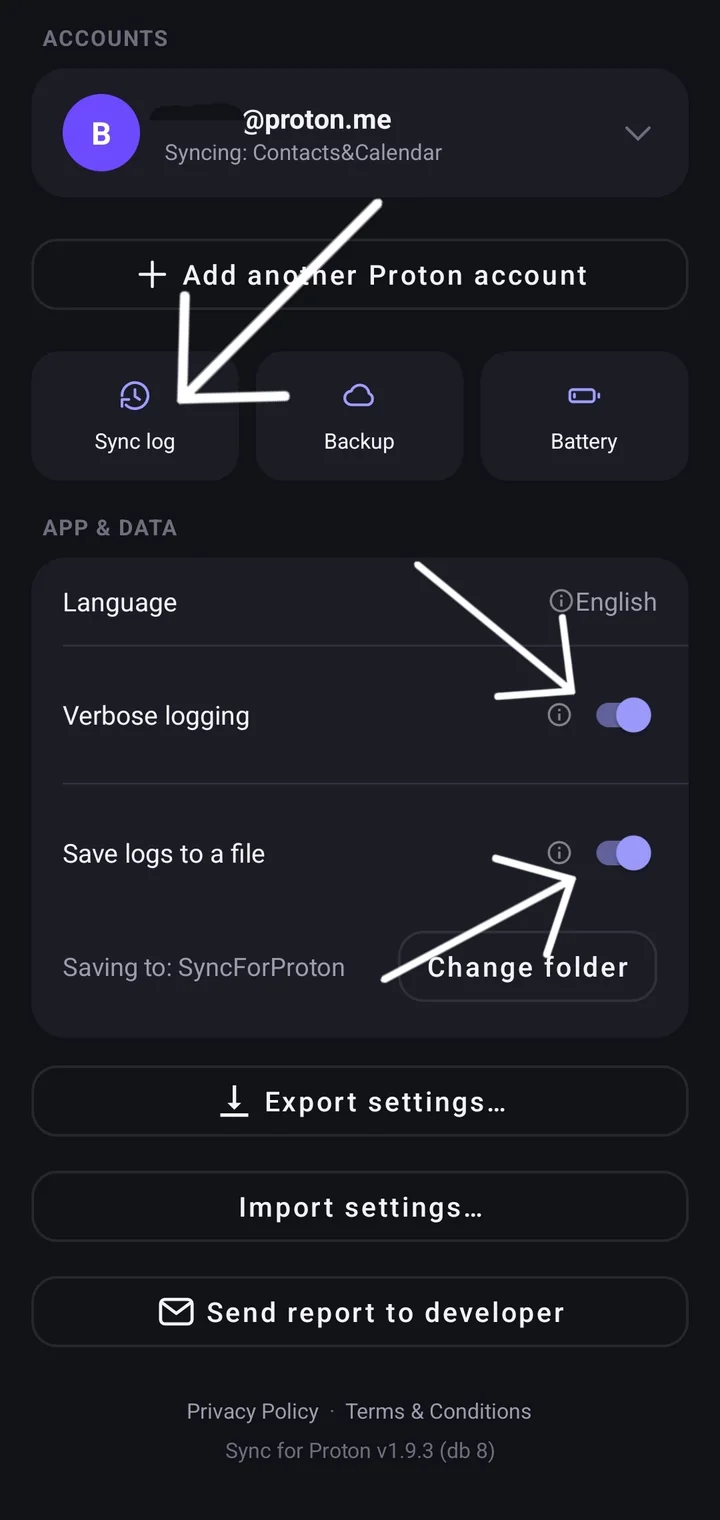
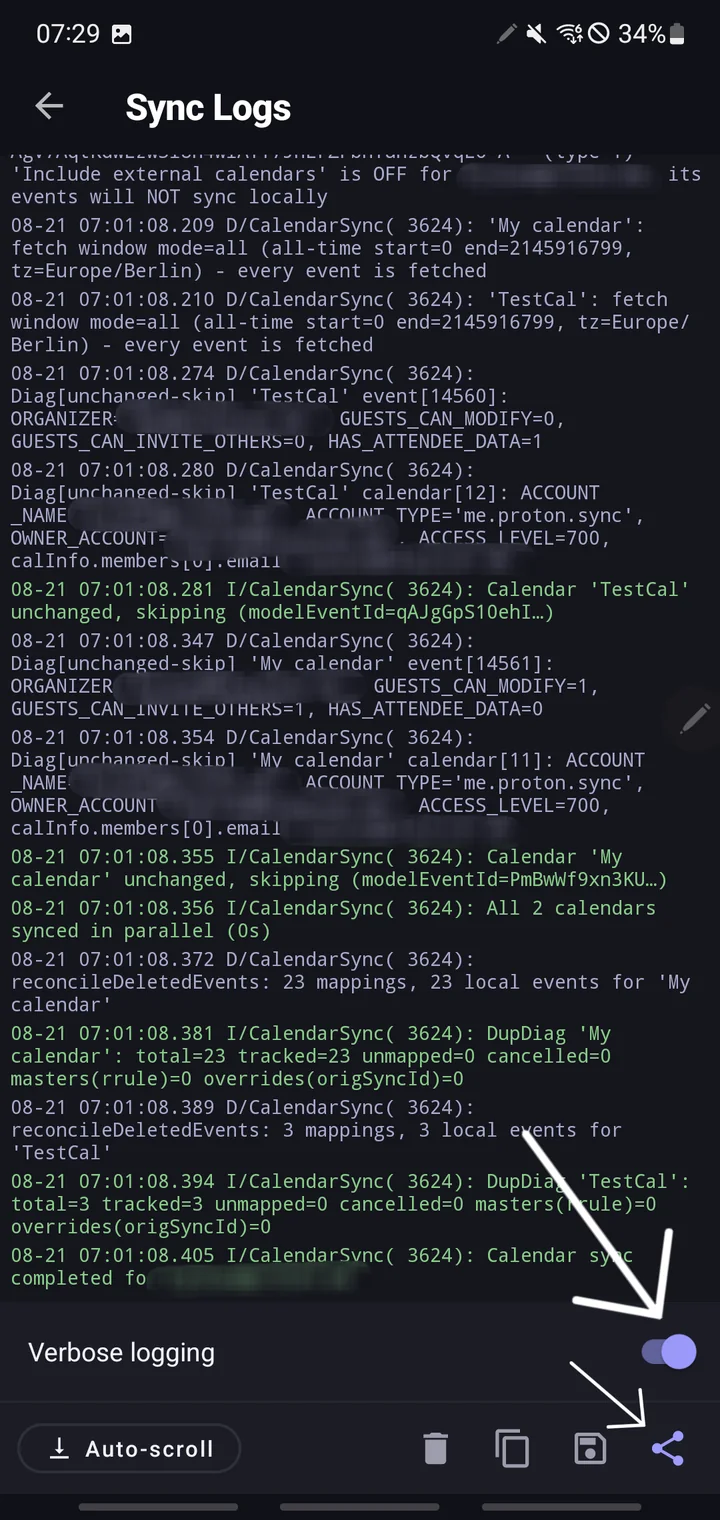
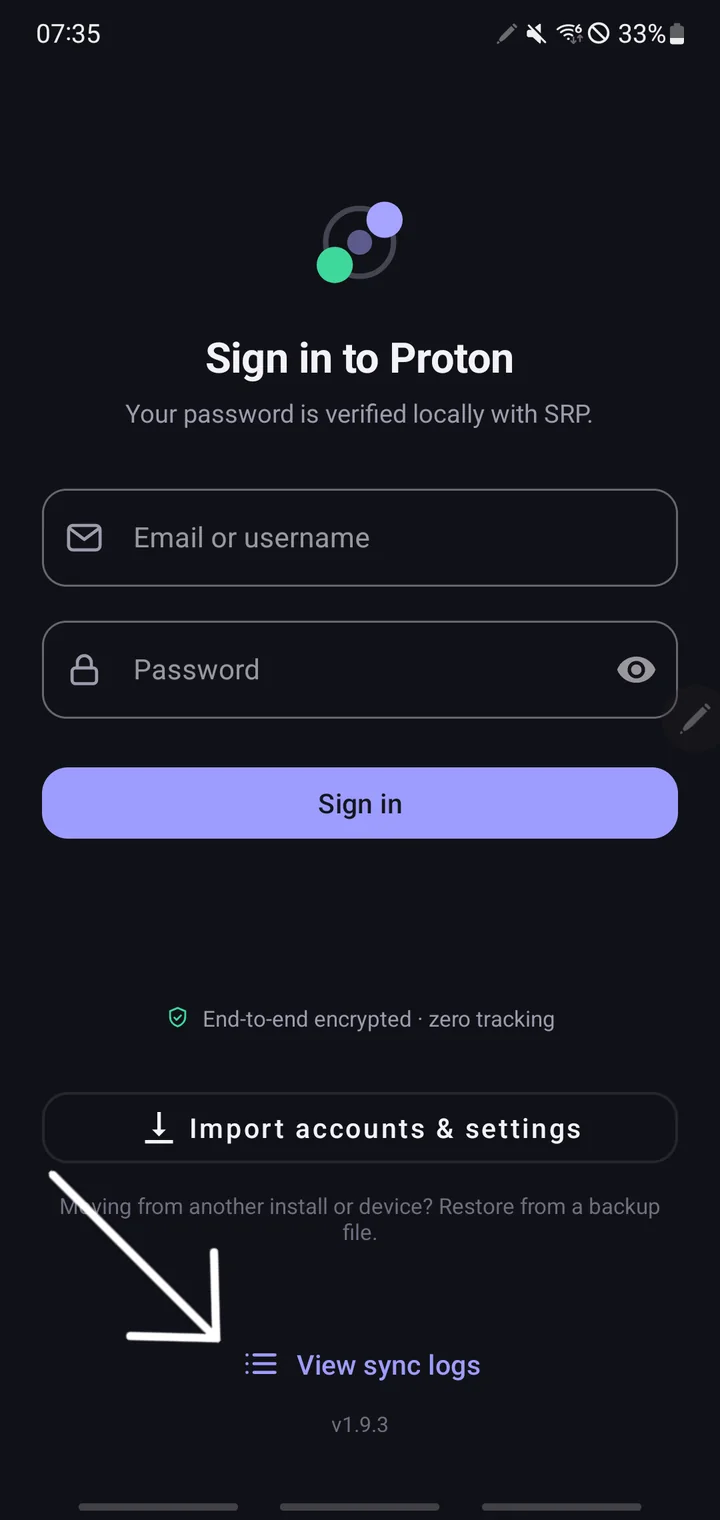
  • Real-time sync log viewer with auto-scroll
  • Copy and export logs for troubleshooting
  • Sync trigger labelling (Manual, Scheduled…)
  • Detailed encryption and network request logs
09 — Backups

Local Data Backups

  • Save your Proton calendars (.ics) & contacts (.vcf) to a folder you choose
  • Read straight from Proton — a real independent copy, not a device dump
  • Manual “Back up now”, or fully automatic on a schedule (default every 7 days)
  • Automatic retention — keep your most recent backups, prune the rest
  • Optional password encryption — one .gpg file, openable with standard GnuPG
  • Built-in decrypt — restore an encrypted backup without a computer

How it compares

Getting Proton onto Android, compared.

Proton offers no CalDAV/CardDAV, so the usual sync apps can’t reach it. Here’s how the realistic options line up.

Capability Sync Provider DAVx5 / CalDAV apps Proton’s built-in options
Proton Contacts on your phone YesTwo-way NoNothing to connect to* Manual vCard export/import
Proton Calendar on your phone YesTwo-way NoNothing to connect to* View-only share link, or .ics export/import
Edits on your phone sync back to Proton Yes No* No
Keeps syncing automatically YesOn your chosen interval No* View-only calendar share link at most
No server, relay or self-hosting Yes NoNeeds a CalDAV/CardDAV server* Yes

* DAVx5 is an excellent CalDAV/CardDAV client — but it needs a server that speaks those protocols, and Proton doesn’t provide one, so it can’t reach Proton. Full explanation: Proton, CalDAV/CardDAV & Android sync. (As of June 2026.)


Data & Encryption

Exactly what lives where.

Here’s exactly what lives where on your device, so you can decide if the trade-offs fit your threat model. Nothing on this list leaves your device except via Proton’s own API — there are no analytics, no crash reporters, and no third-party destinations.

Encrypted on your phone

AES-256-GCM · Android Keystore
  • Mailbox passphrase — hardware-backed on supported devices
  • Access and refresh tokens — in Android’s AccountManager, with file-based encryption when the device is locked
  • Decrypted PGP keys — never persisted; re-unlocked fresh on each sync

Plaintext on your phone

In Android’s own databases
  • Synced Proton contacts — written to Android’s standard ContactsProvider, same place your Google and Samsung contacts live
  • Synced Proton calendar events — written to Android’s standard CalendarProvider, same place your other calendars live

In memory only

Never written to disk
  • Decrypted contact and event content during the sync cycle (released as soon as sync finishes)
  • Unlocked PGP private keys

Why plaintext at all? This is the whole point of a native sync adapter: once decrypted, your Proton contacts show the right name when someone calls you, and your Proton events appear on your watch, your lock screen, and in whatever calendar app you prefer. If the data stayed encrypted inside the app, none of that would work. The same security model applies to every sync adapter on Android — Google, Samsung, iCloud, DAVx5. The at-rest protection above guards against casual disk inspection, backups, and apps without the right permissions; it does not protect against a rooted device or a malicious app that already has READ_CONTACTS / READ_CALENDAR.

Want stricter isolation? If you’d rather have no data touching Android’s system providers — or any other link in the chain — stay with Proton’s official Android apps, which keep everything in-app. You give up system-wide integration in exchange for zero additional trust.


Pricing

7-day free trial.

Every feature, free for 7 days — no commitment, cancel anytime.

€2.39/ month

or €23.99 / year · incl. German VAT (other countries may differ)

7-day free trial
  • Unlimited Proton accounts with per-account settings
  • Two-way Contacts sync (all fields, groups, photos)
  • Two-way Calendar sync (events, time zones, locations)
  • Full recurring event support (RRULE, RDATE, EXDATE)
  • Reminders & alarms mapped to Android notifications
  • Custom sync intervals & event-loop polling
  • Calendar sync timeframe (past & future days)
  • Attendee status polling
  • Send invitation, update & cancellation emails
  • External / subscribed calendar control
  • Full re-sync (Remote→Local / Local→Remote)
  • Sync log viewer & export
  • End-to-end encryption (OpenPGP)
  • Local data backups (.ics / .vcf, optional encryption)
  • All future updates included

Features and pricing are indicative and subject to change until final release. Payments processed by Paddle.com (direct channel) or Google Play (Play channel).


Install

Two ways to install.

Same app, same price. Pick the channel that fits your device — only the way you start the trial and pay differs.

Standard Android

Google Play

Install and subscribe straight from the Play Store. Your 7-day free trial and billing are handled entirely by Google Play.

The Play and direct builds are signed with different keys, so switching between them needs a reinstall.


FAQ

Common questions

Does Proton support CalDAV or CardDAV?

Not for syncing. Proton doesn’t offer a CalDAV or CardDAV endpoint, so standard clients like Apple Calendar/Contacts, Thunderbird or DAVx5 can’t sync Proton Calendar or Proton Contacts over those protocols. Proton does let you share a calendar via a view-only link and export/import .ics files, and Proton Contacts can export/import vCard — but that’s read-only or a one-off snapshot, not live two-way sync. (As of June 2026.)

Why can’t DAVx5 sync Proton?

DAVx5 is a CalDAV/CardDAV client — it connects to a server that speaks those protocols. Proton doesn’t provide one, so there’s nothing for DAVx5 to point at, and Proton isn’t among DAVx5’s tested providers. Sync Provider takes a different route: it talks to Proton’s own API and writes contacts and events straight into Android’s system Contacts and Calendar. There’s a fuller explanation here.

How do my Proton contacts and calendar show up in my other apps?

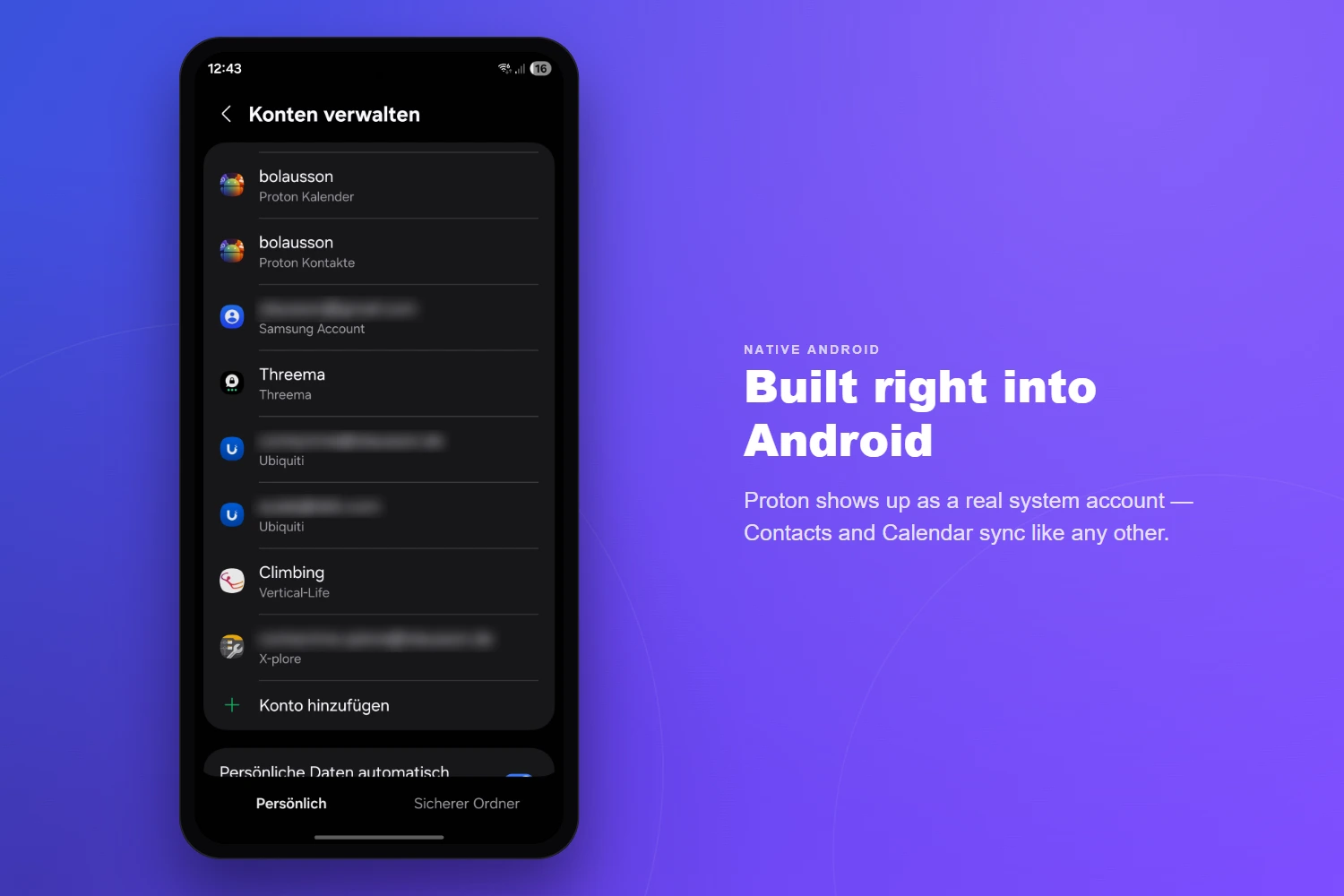
Sync Provider writes your Proton contacts into Android’s system Contacts provider and your Proton events into Android’s Calendar provider — the same places Google and Samsung keep theirs. So your Proton contacts appear in Samsung Contacts, Google Contacts and your dialer, and your Proton calendar shows up in Google Calendar and other calendar apps, on your lock screen and on your watch.

Does it work on GrapheneOS or de-Googled phones?

Yes. It uses Android’s built-in sync framework rather than Google Play Services, so no Google account is required. On standard Android you can install from Google Play; on GrapheneOS or other de-Googled devices, install via Obtainium or the GitHub releases and activate a licence on the web.

Do I need Nextcloud, a server, or a relay?

No. Sync Provider syncs directly between Proton’s API and your phone. There’s no Nextcloud instance, no self-hosted bridge, and nothing to keep running.

Is the sync two-way, and is my data encrypted?

Yes to both. Edits on your phone sync back to Proton and vice-versa, and all contact and calendar data is end-to-end encrypted with OpenPGP using your own Proton keys — your password never leaves your device (SRP). The Data & Encryption section above shows exactly what is stored and where.


Get in touch

Direct, personal support.

Replies are personal — no ticketing systems, no chatbots.

Please include your Android version, device model, and the app version (Settings → About) when reporting bugs.


Also from olausson.de

Mail Checker for Proton Mail

A Firefox & Chrome extension to read, compose, and manage Proton Mail right from the browser toolbar — without ever opening a tab.

Read more