Mail Checker for Proton Mail (Firefox) Mail Checker for Proton Mail (Chrome)
Firefox & Chrome extension · Beta

Mail Checker for Proton Mail

A feature-rich browser extension that lets you read, compose, and manage your Proton Mail right from the toolbar — without ever opening a tab.

Available End-to-end encrypted


What it does

Everything you need from Proton Mail — right in the toolbar.

01 — Inbox

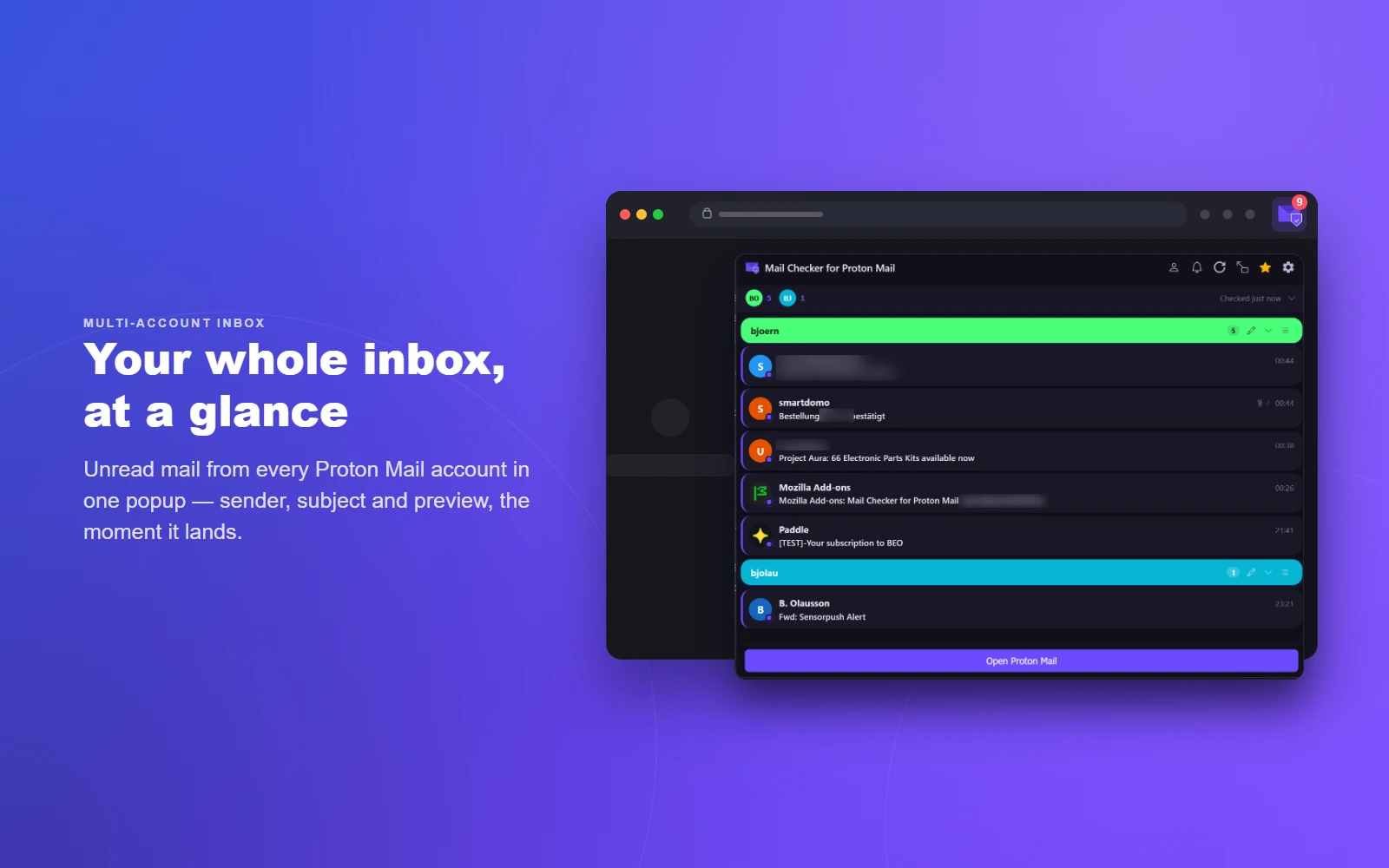
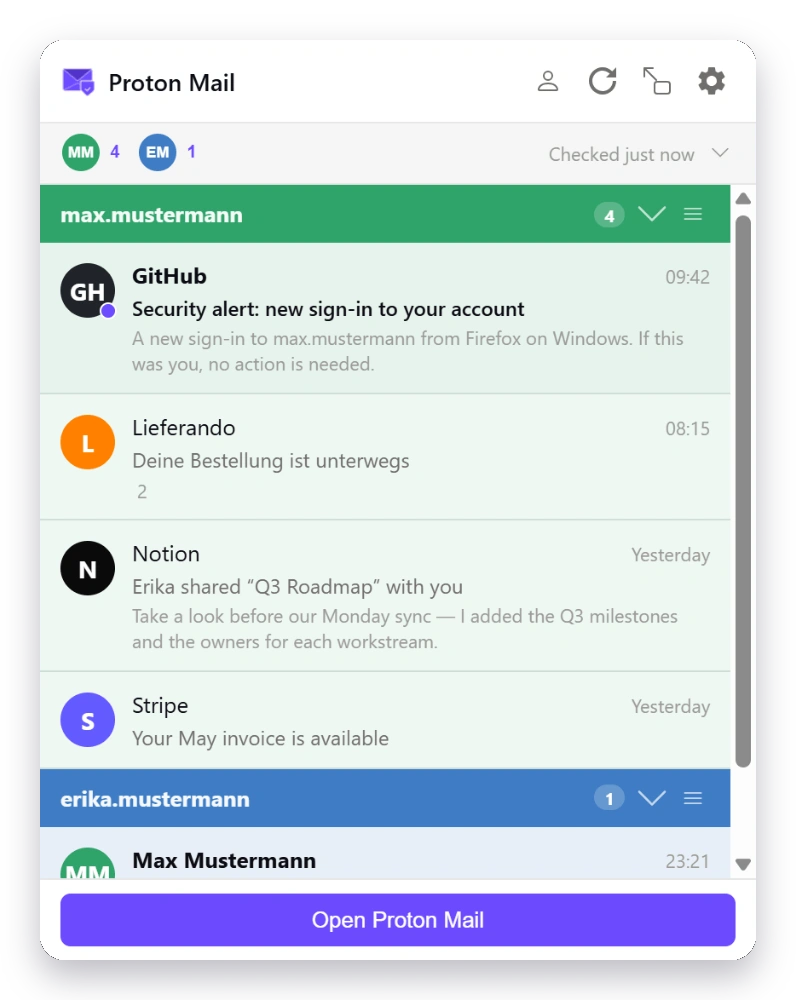
Inbox at a Glance

  • Unread count badge on the toolbar icon
  • Message list with sender, subject, time & preview
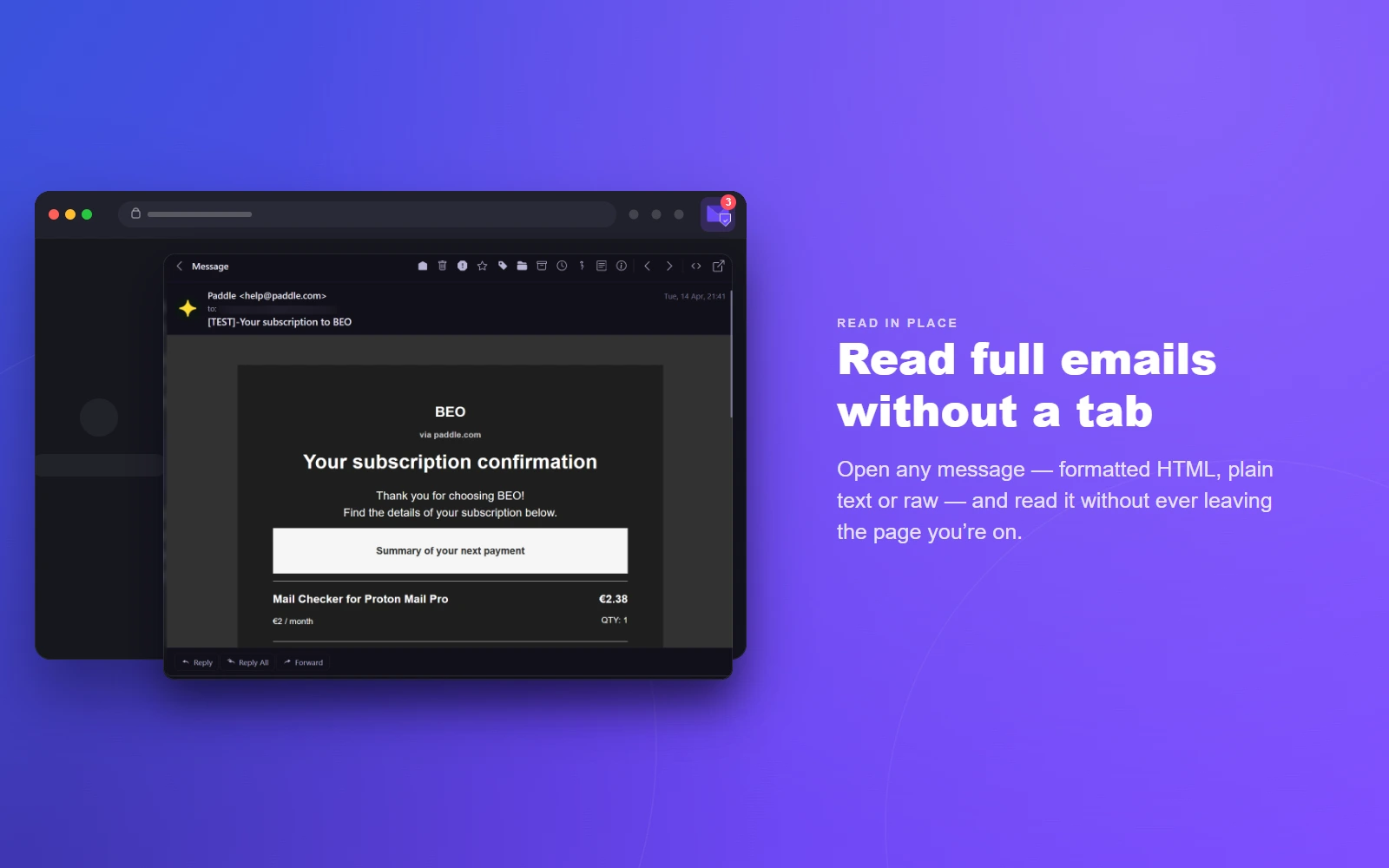
  • Full message preview without leaving the popup
  • HTML, plain-text, and raw view (with optional HTML prettify)
  • Decrypt attachments — open in a new tab or download
  • Verification code detection — auto-extract OTP/2FA codes with click-to-copy badge; customizable regex
  • Configurable preview lines (0–10) and max messages per account
  • Sender display format: name, email, or both
02 — Accounts

Multi-Account

  • Monitor multiple Proton Mail accounts simultaneously
  • Per-account folder monitoring
  • Quick account switching with account pills
  • Custom account labels, colors, and drag-to-reorder
  • Account alignment with Proton web slots
  • Separate notification settings per account
03 — Compose

Compose & Reply

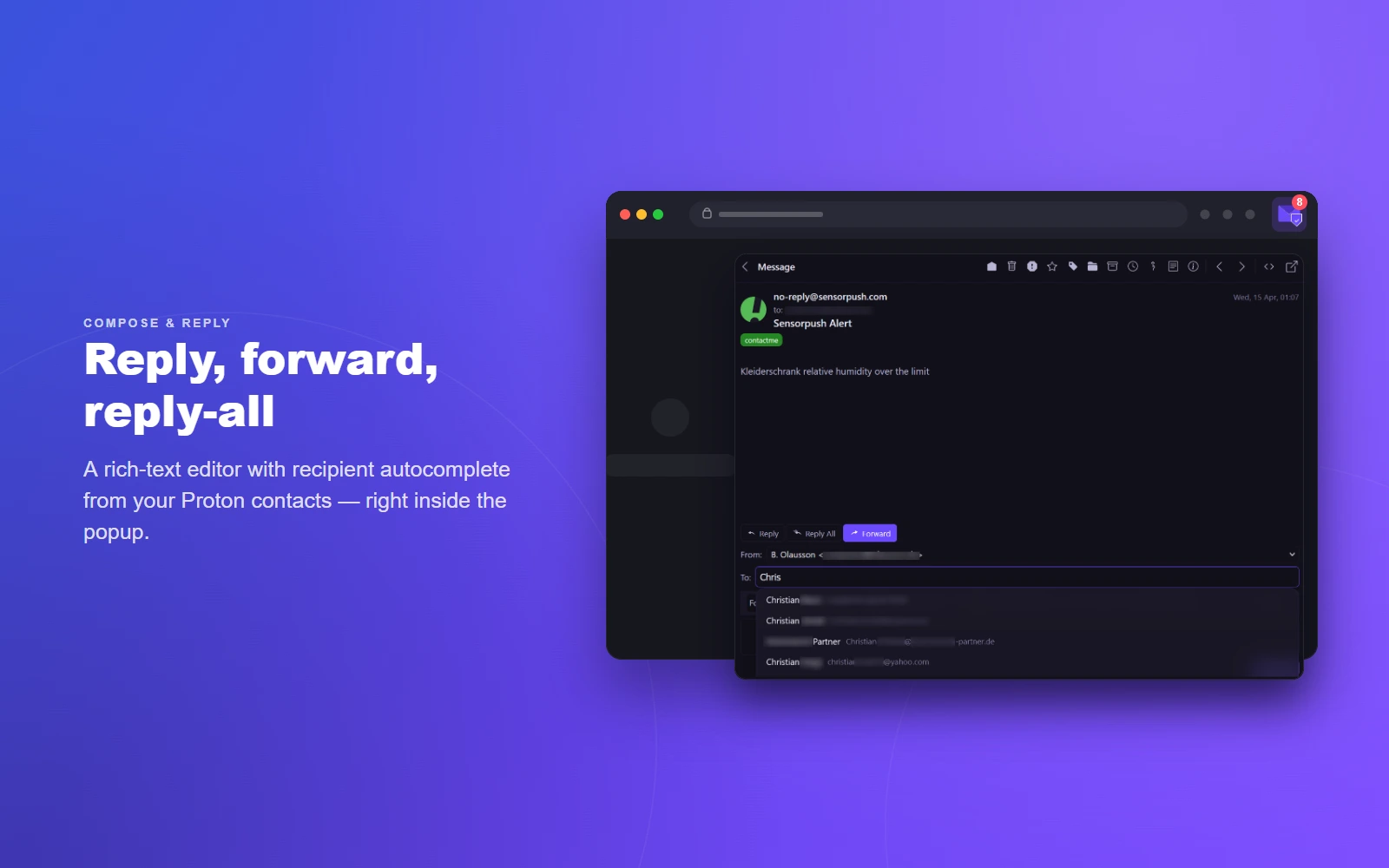
  • Full email composition directly in the popup
  • Reply, Reply All, and Forward
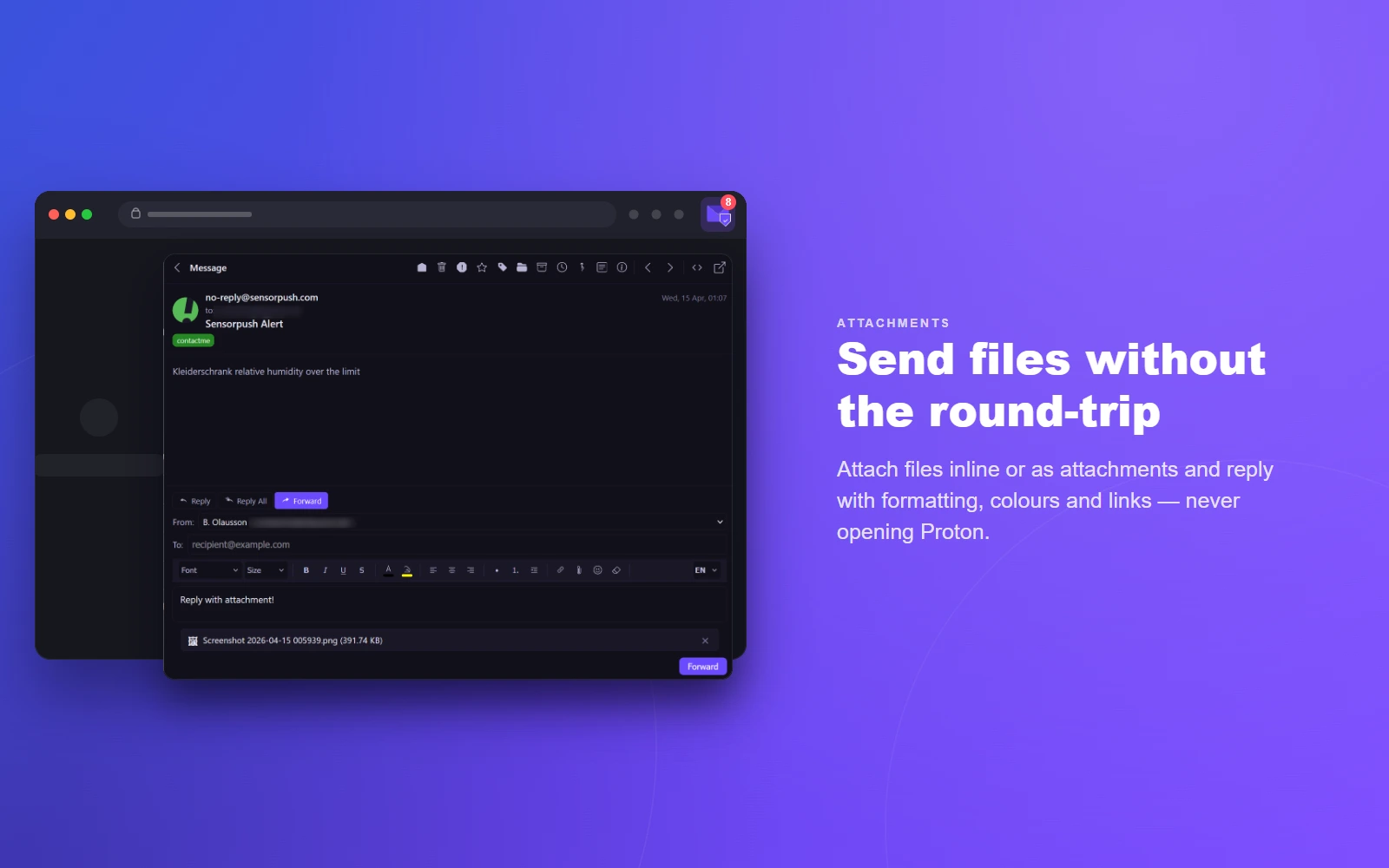
  • Rich text editor with formatting, colors & links
  • Proton Scribe writing assistant — draft from a prompt, proofread, shorten & formalize your emails with AI*
  • Default compose & reply format (HTML or plain text)
  • Open compose in popup or redirect to Proton web
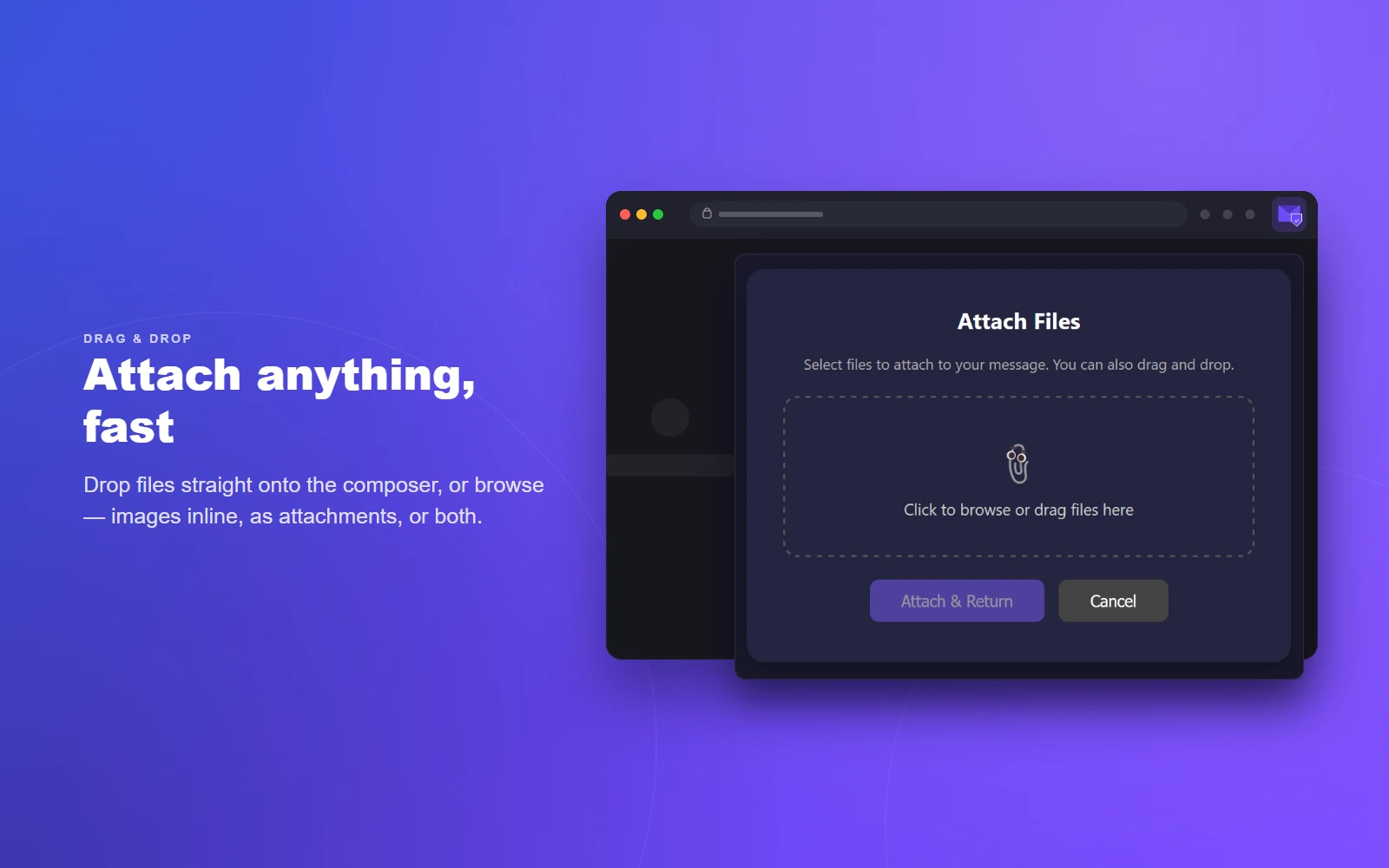
  • File attachments, drag-and-drop
  • Image attachment mode: inline, attach as file, or both
  • Optional “Send & Archive” button
  • Draft auto-save and persistence
  • Contact autocomplete for recipients
  • Spellcheck (uses browser dictionaries)
04 — Quick actions

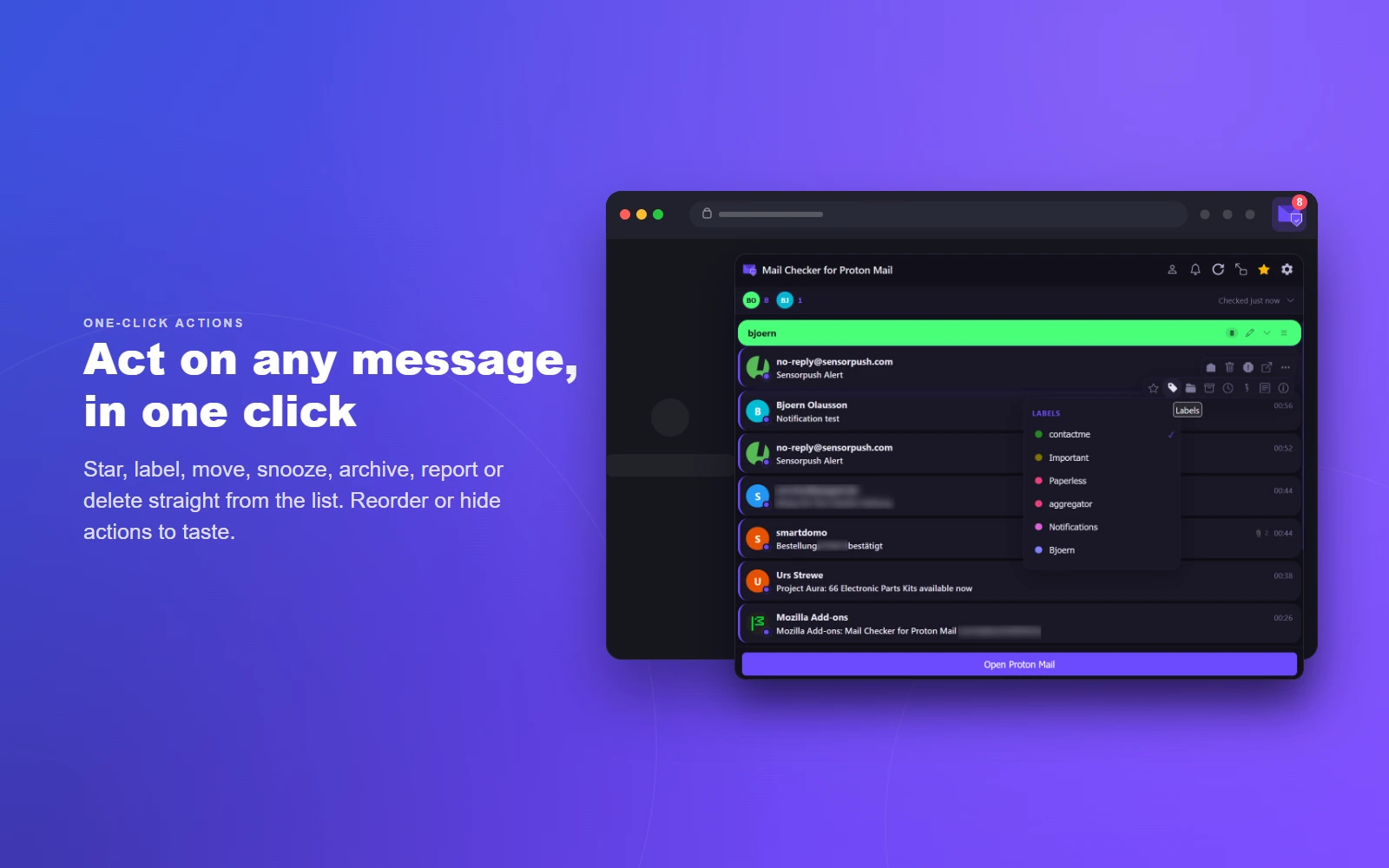
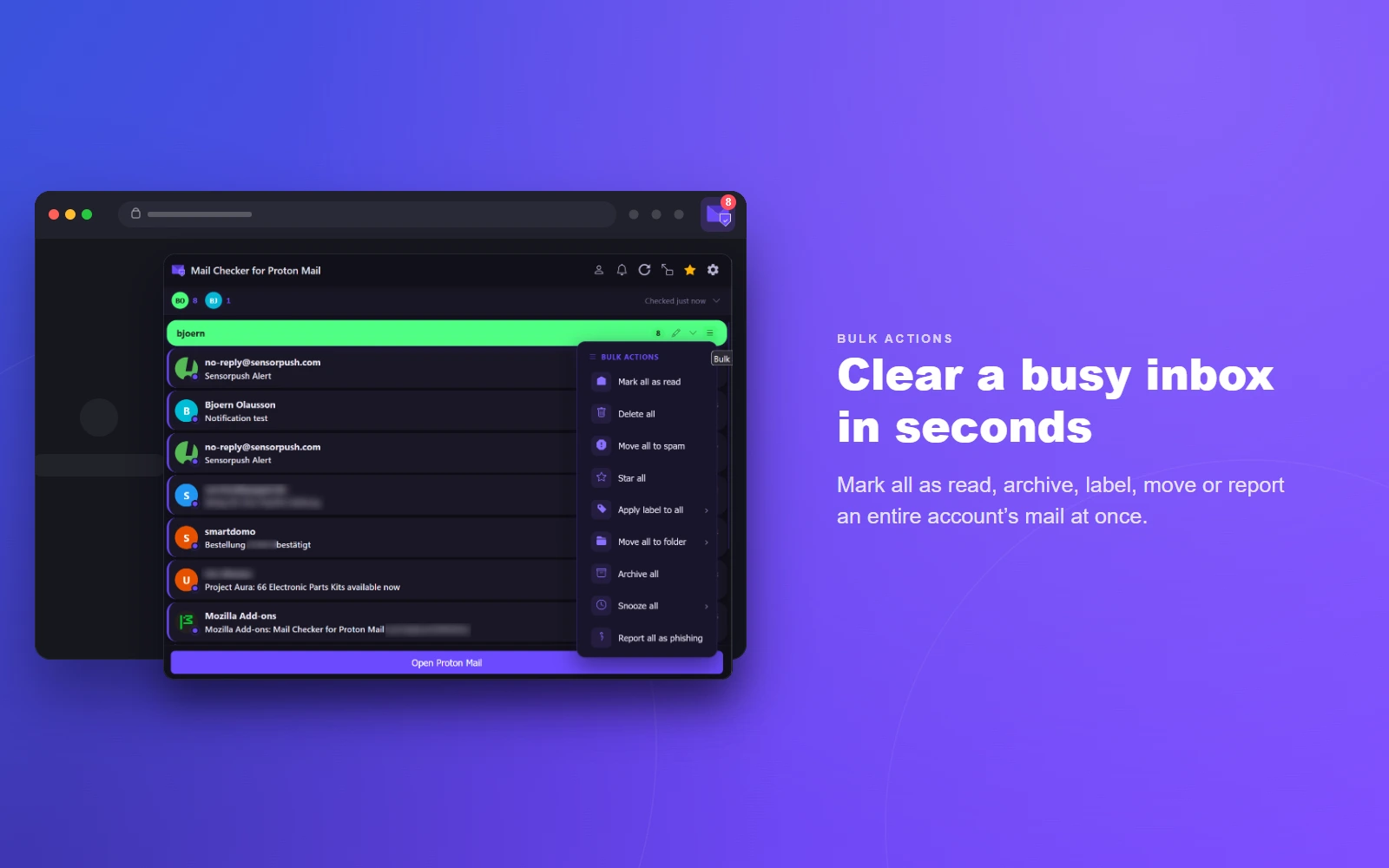
One-click Workflow

  • Mark as read/unread, star, archive, trash
  • Permanently delete (skips Trash, with confirmation)
  • Move to folder and apply labels
  • Snooze messages (1 h, 3 h, tomorrow, next week)
  • Report phishing, view headers & details
  • Drag-to-reorder and show/hide individual actions
05 — Notifications

Notifications & DND

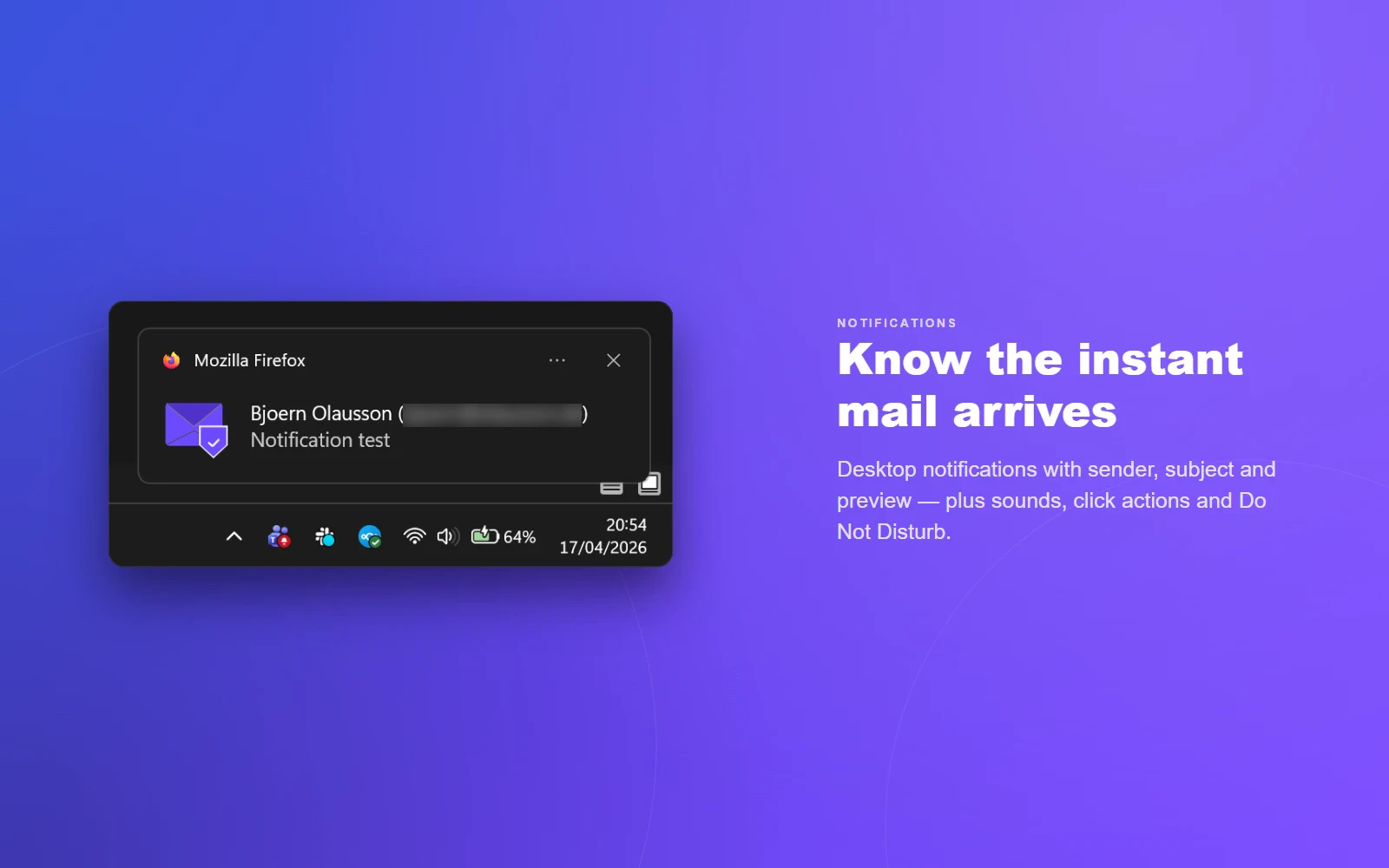
  • Desktop notifications for new mail
  • Toggle message preview text in notifications
  • Configurable sounds (chime, bell, ding) with volume
  • Notification click actions (open message, open inbox, or do nothing)
  • Custom badge color
  • Do Not Disturb with preset durations
  • DND icon indicator
06 — Calendar

Calendar Integration

  • Detect calendar invitations in messages
  • RSVP directly (accept, tentative, decline)
  • View attendee status for each event
07 — Customization

Themes & Display

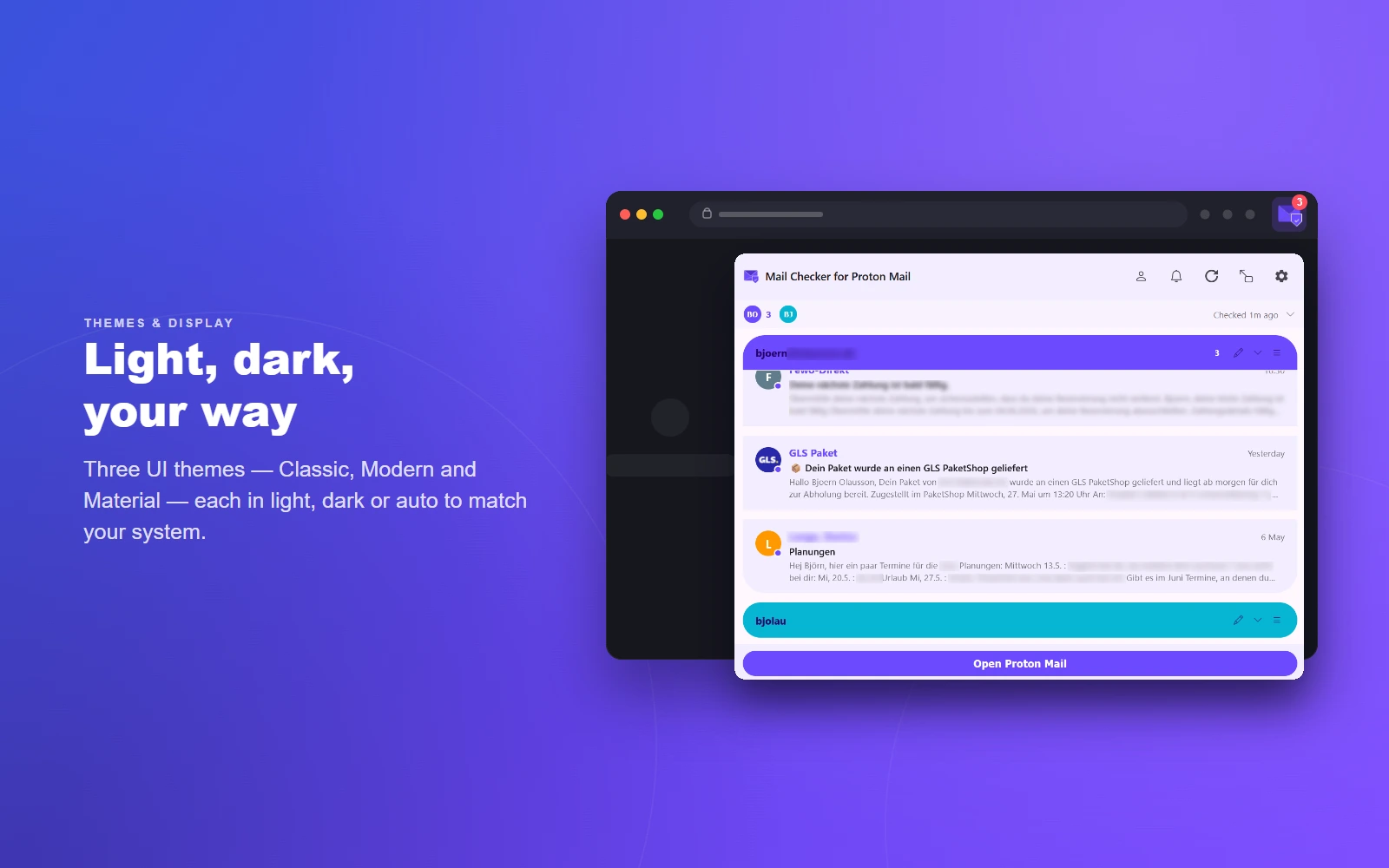
  • Classic, Modern & Material, plus color & layout themes
  • Light, Dark, and Auto color schemes
  • Adjustable popup width (350–800 px) and height (300–600 px)
  • Pop-out the popup into its own detachable window
  • Display density: Comfortable, Cozy, Compact
  • Custom CSS injection with current-CSS export
08 — Security

Security & Privacy

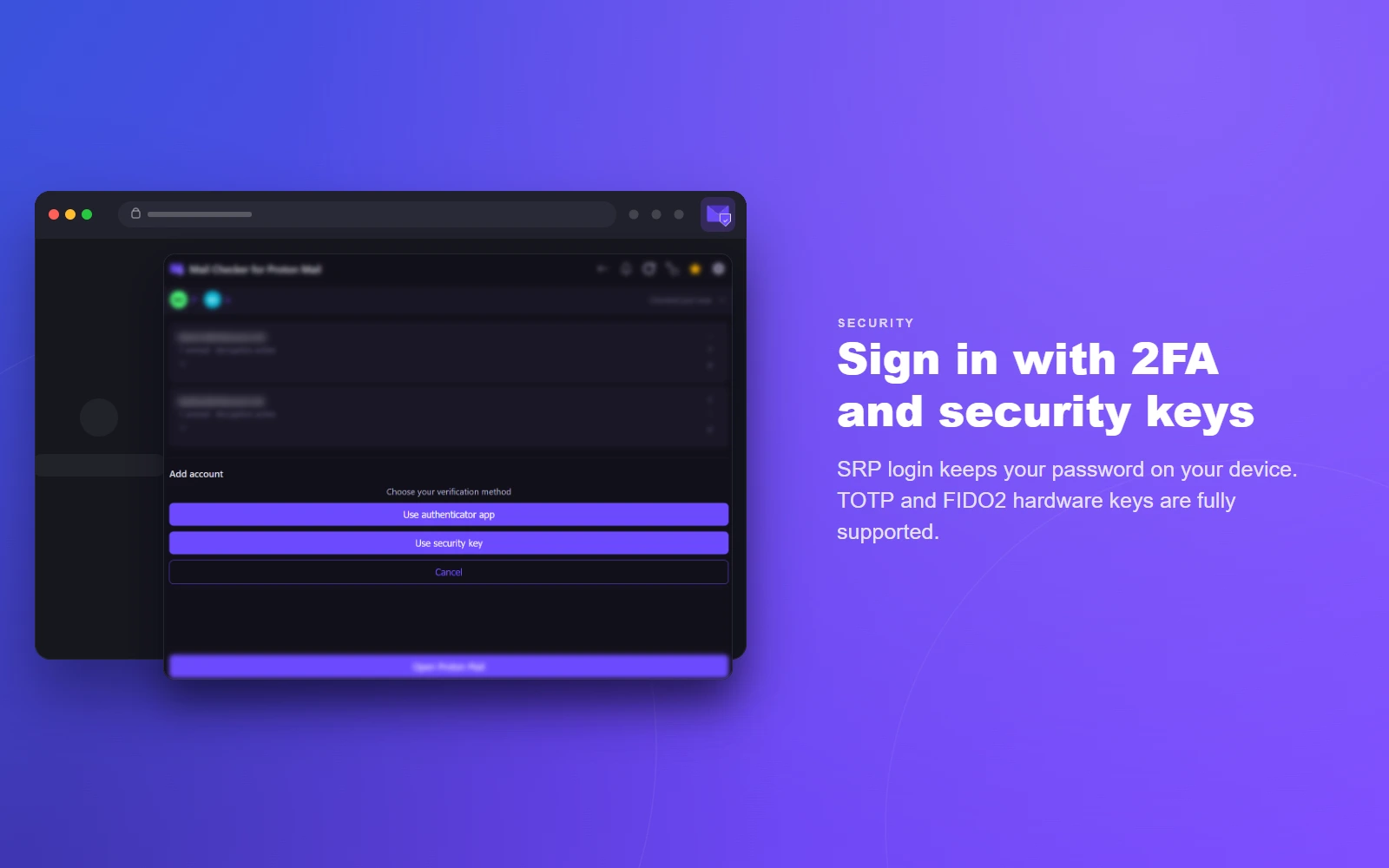
  • SRP authentication — password never leaves your device
  • Two-factor authentication (TOTP) and FIDO2 security keys
  • Two-password account support (separate mailbox password)
  • Show/hide eye toggle on every password field
  • OpenPGP message and attachment decryption
  • Encrypted session keys stored in browser
  • Communicates only with *.proton.me
09 — Behavior

Automation

  • Auto-mark-read on preview, reply, archive, delete…
  • Auto-advance to next message after action
  • Cross-account and wrap-around navigation
  • 12- or 24-hour time format
  • Adjustable polling interval (30 s – 60 min)
  • Automatic background sync via Proton’s event system
10 — Languages

Languages & Data

  • Translated into multiple languages
  • Settings export & import (JSON)
  • Browser sync for cross-device settings (Firefox sync & Chrome sync)
  • Mailto: handler registration
  • Debug logging for troubleshooting

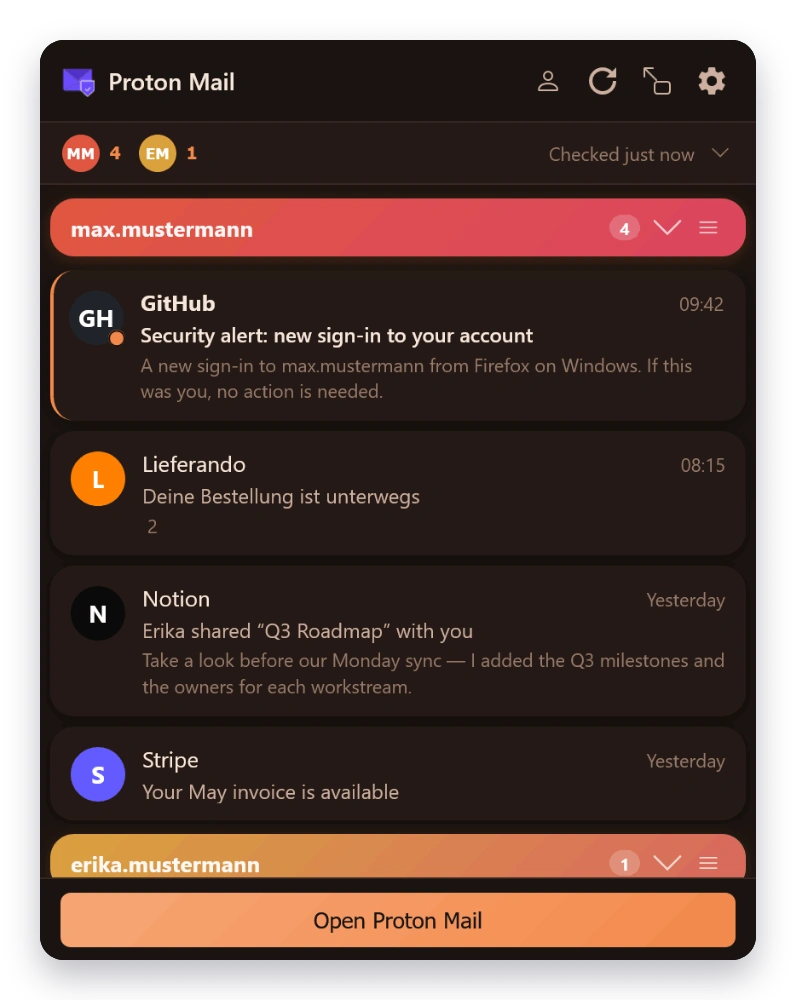
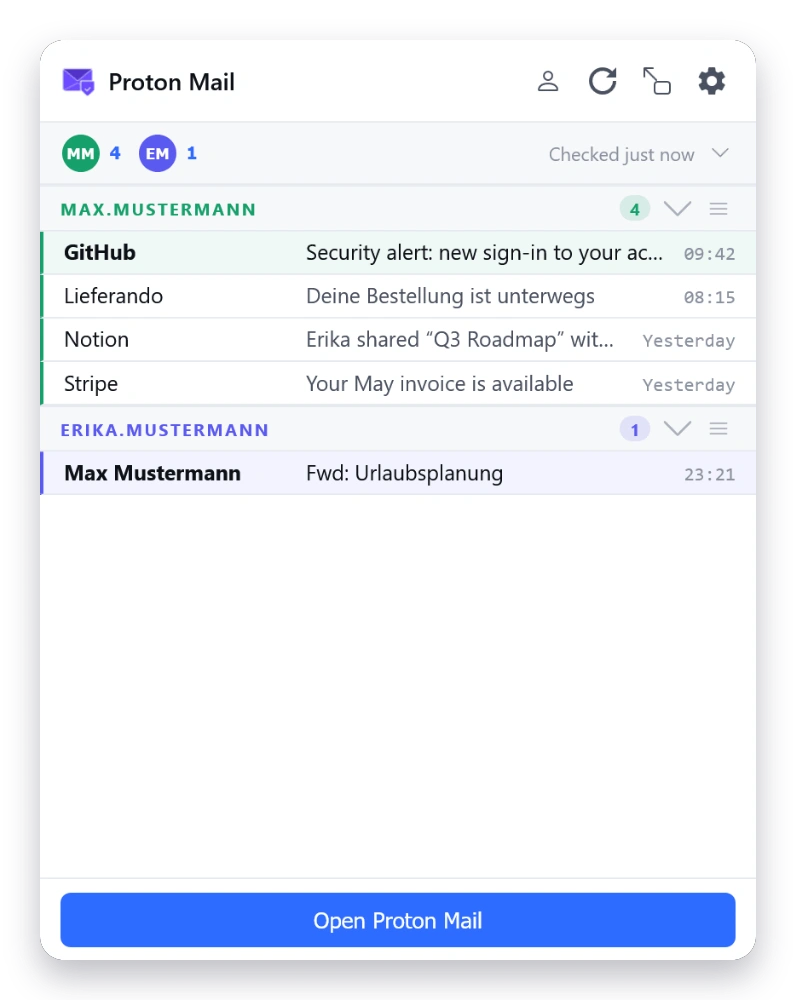
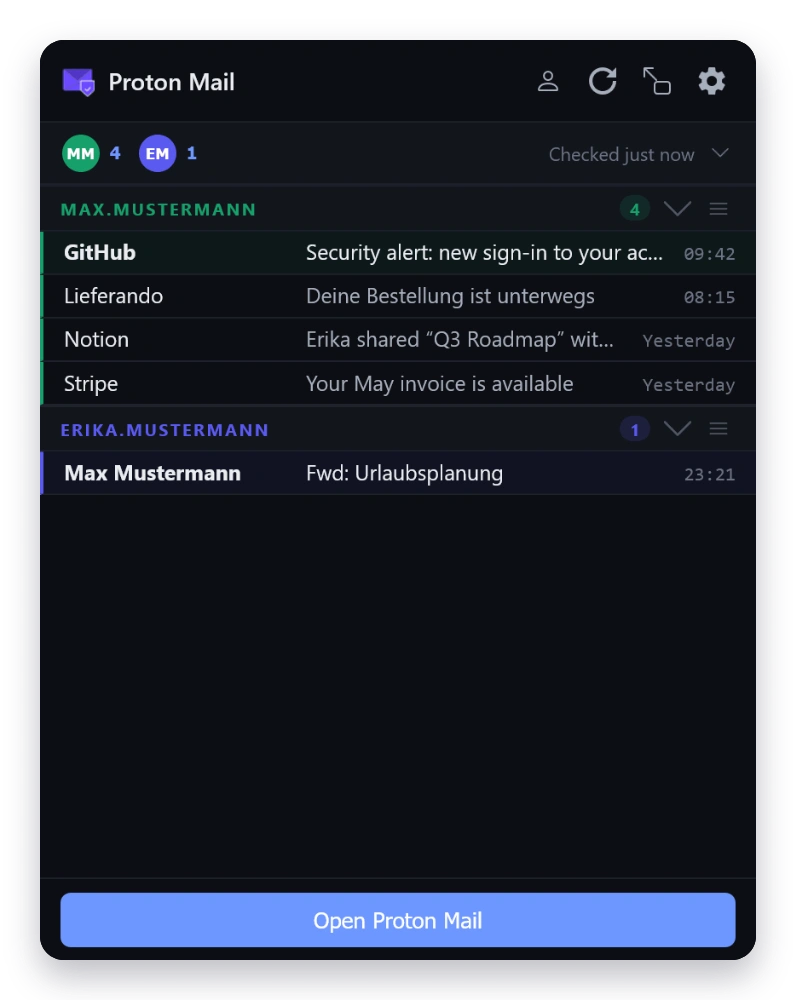
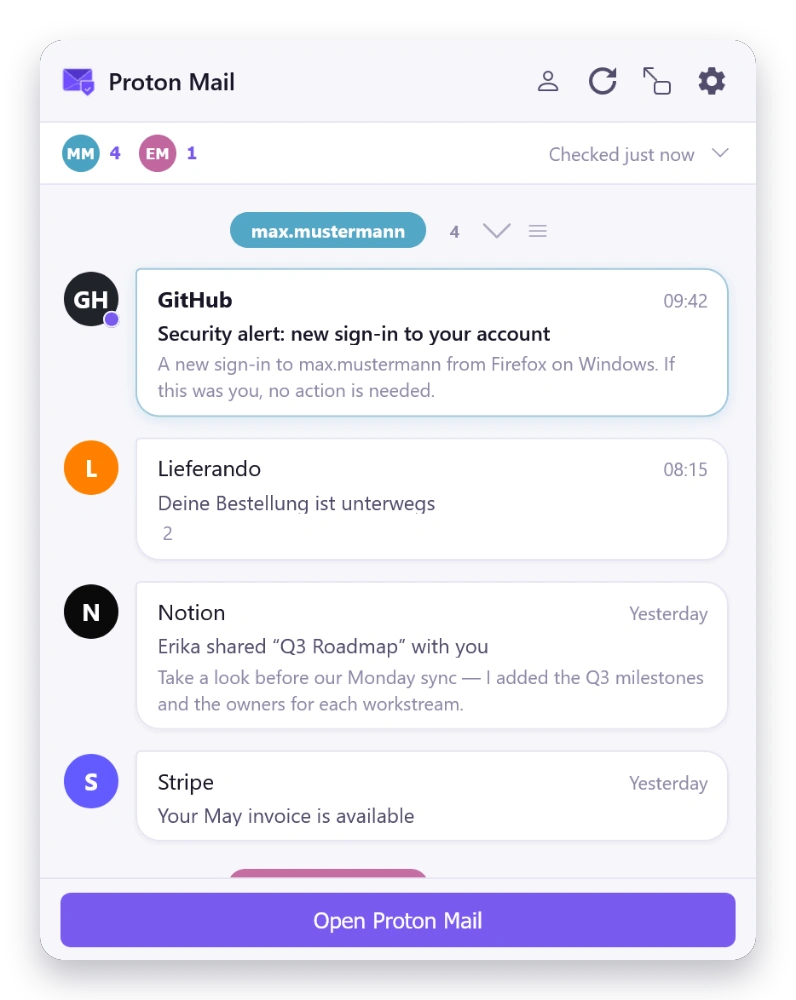
Themes

Make it yours.

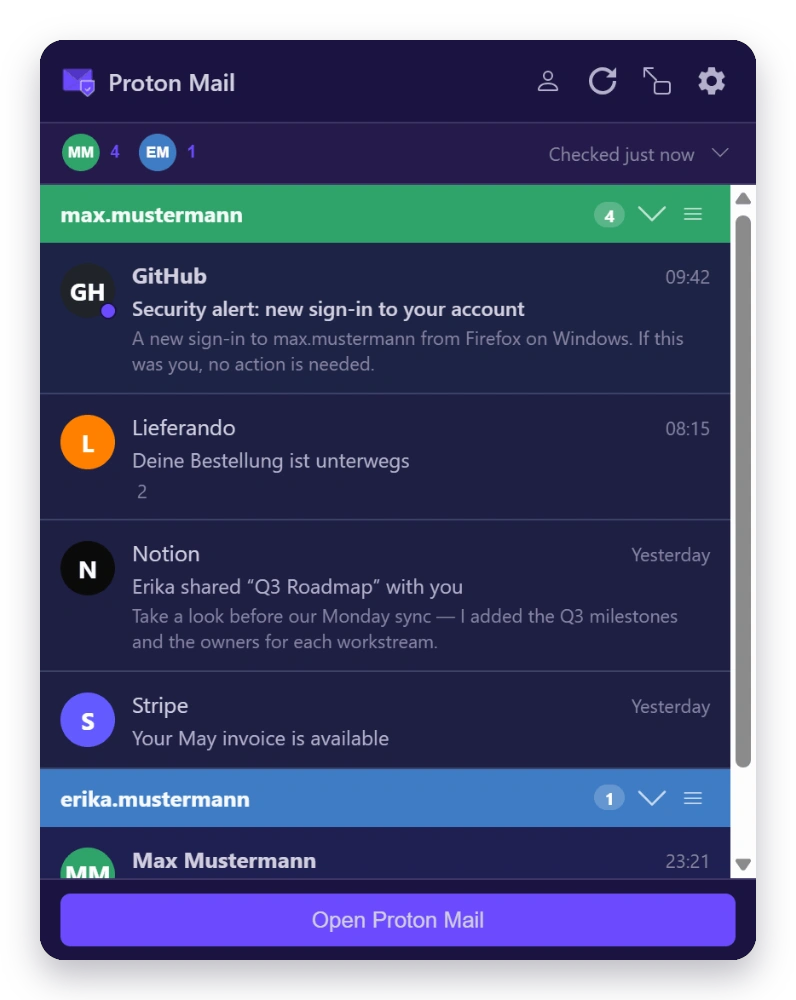
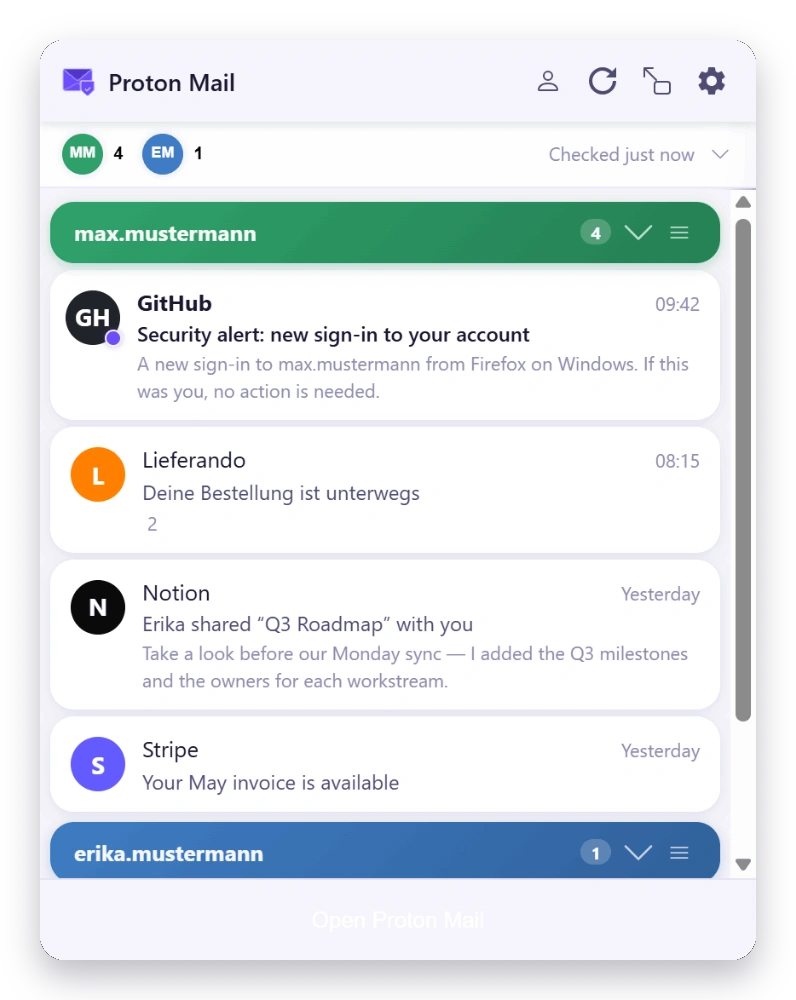
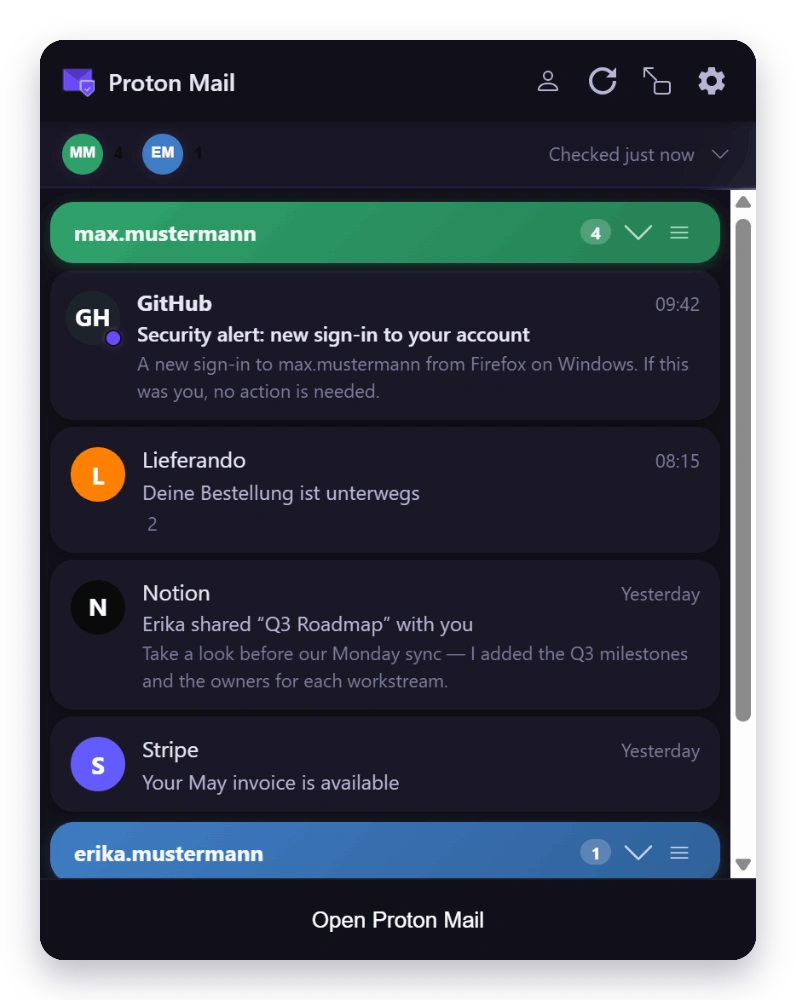
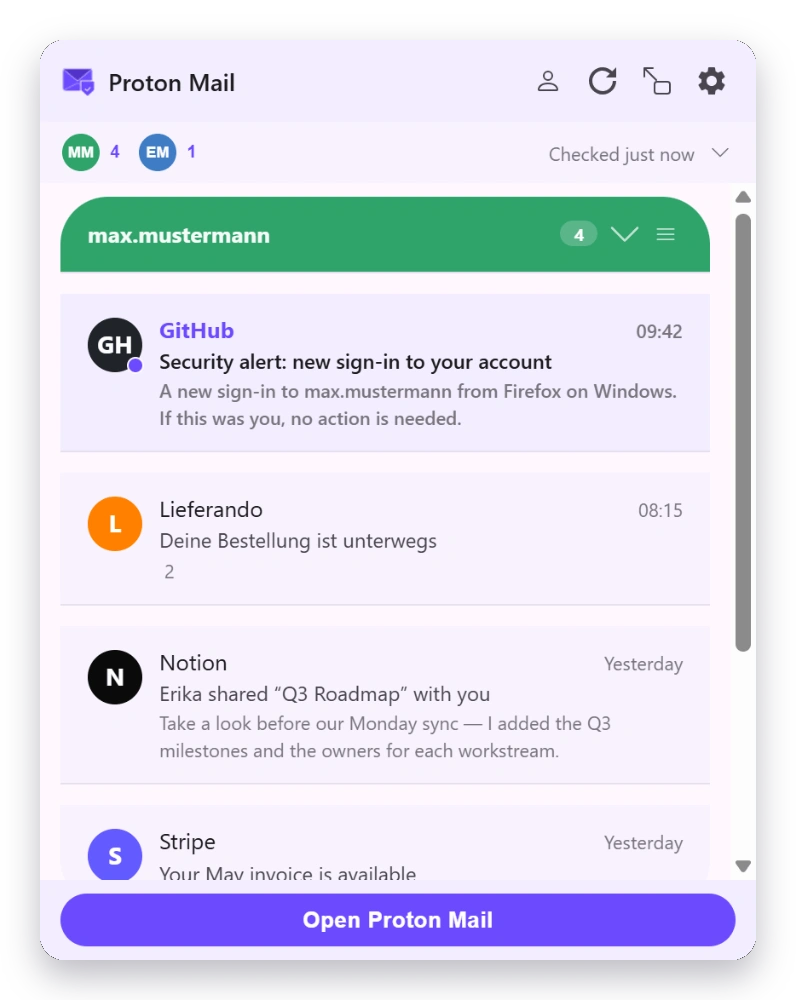
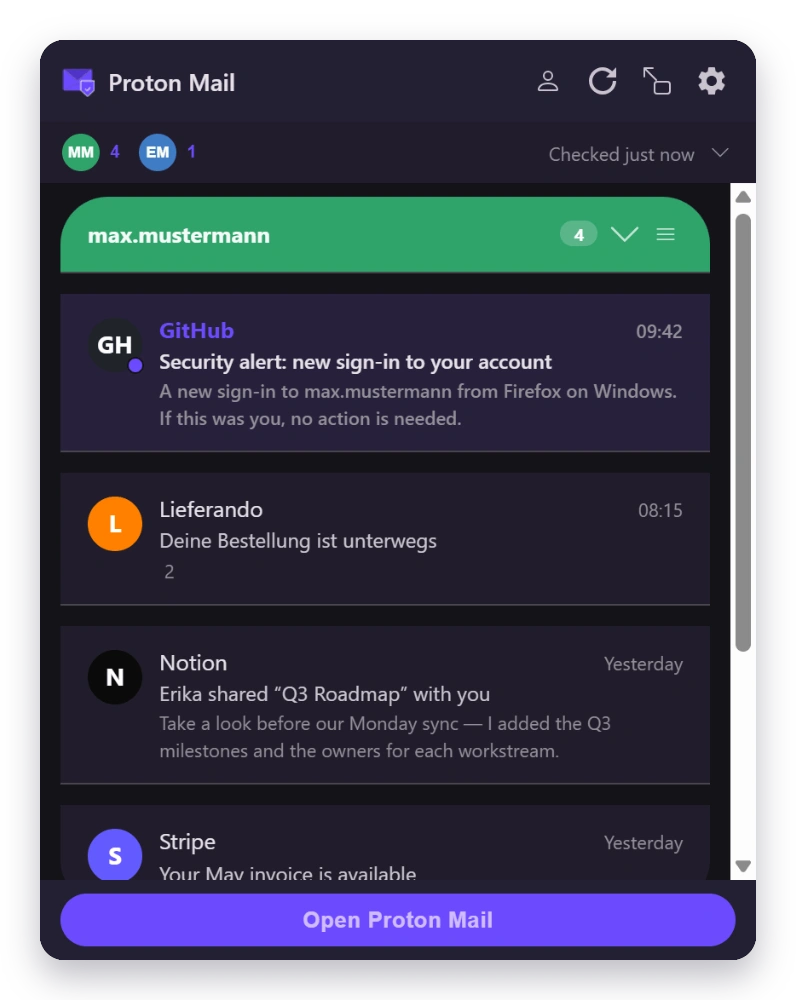
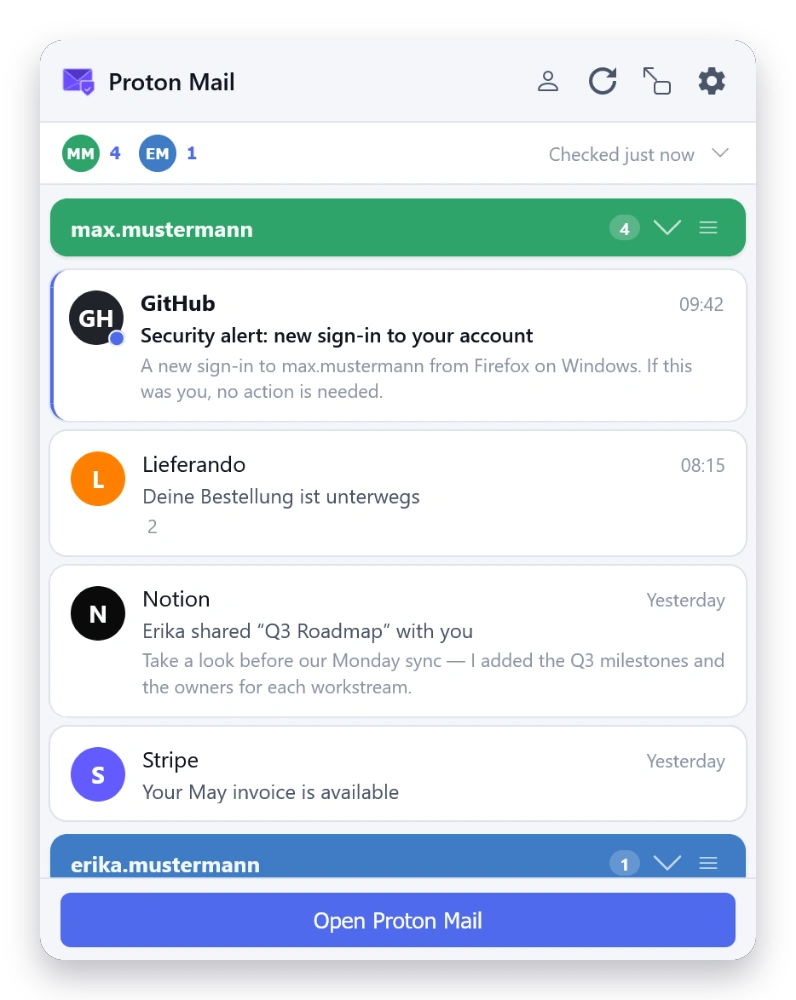
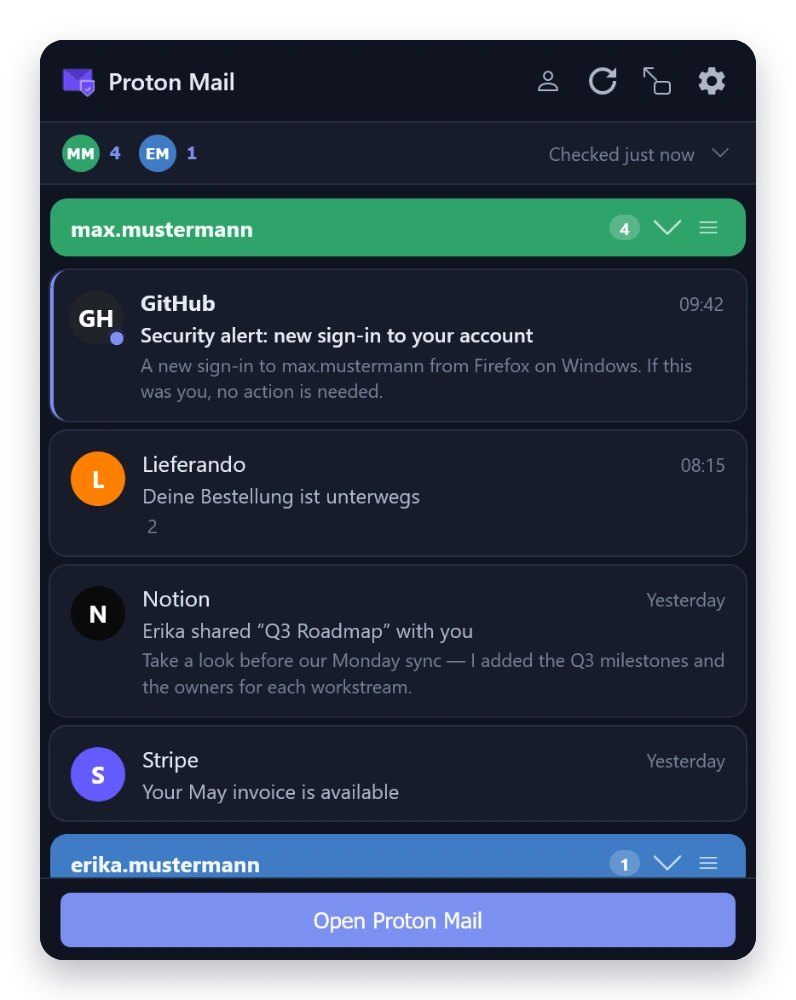
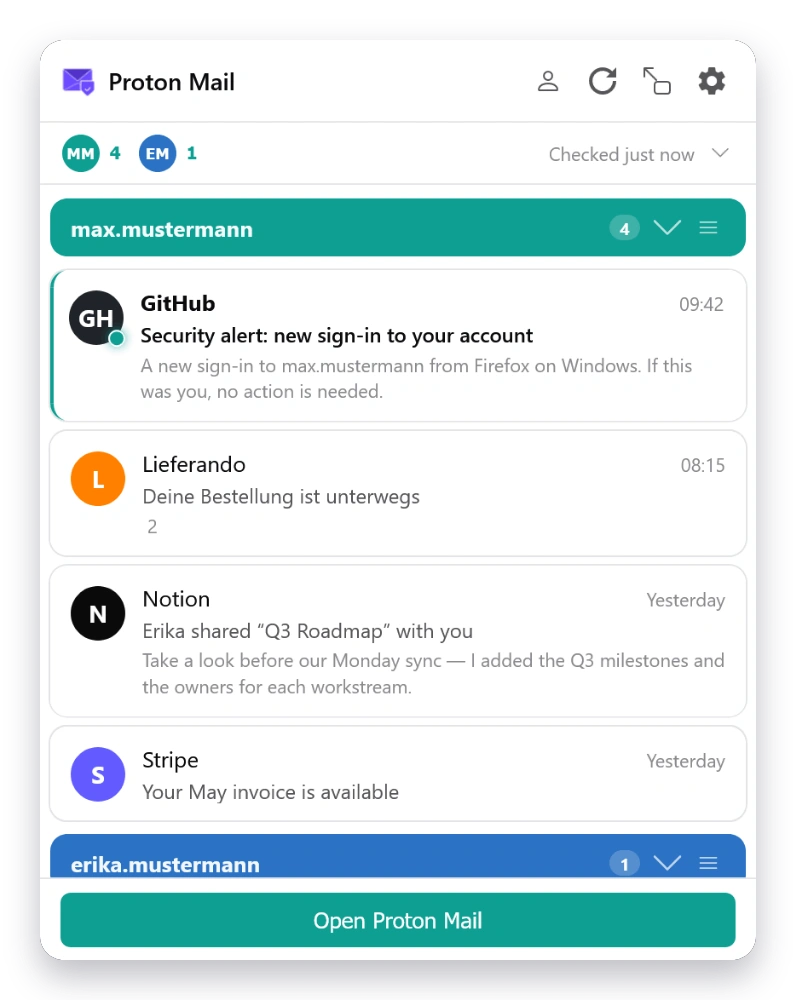
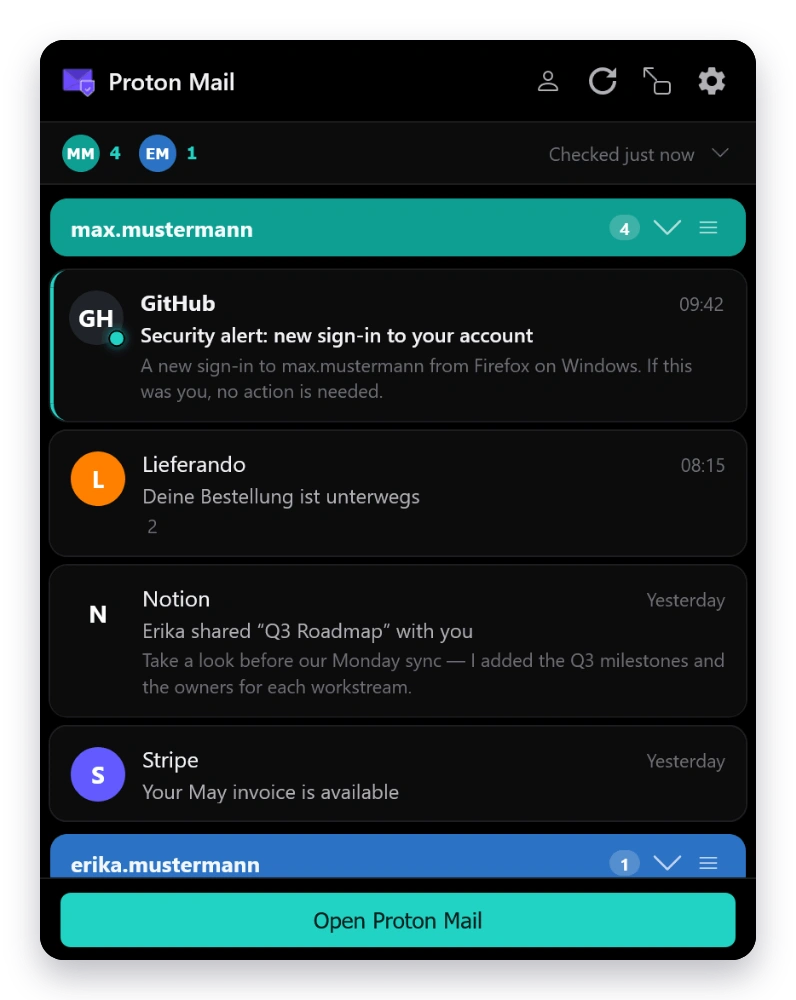
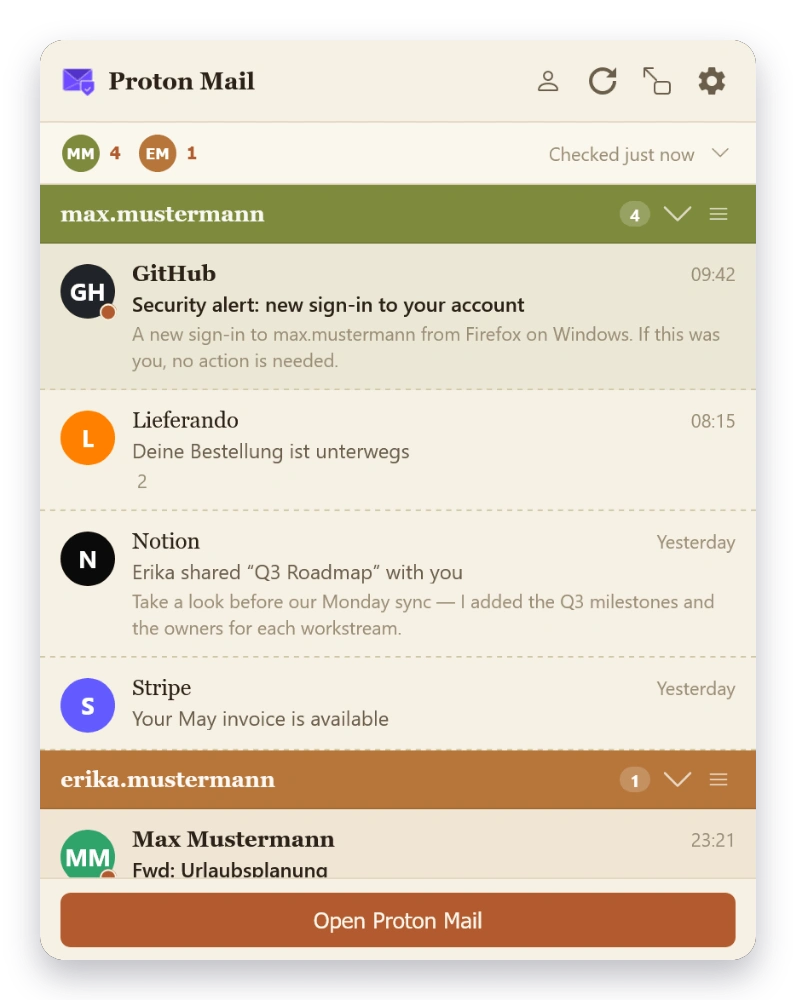
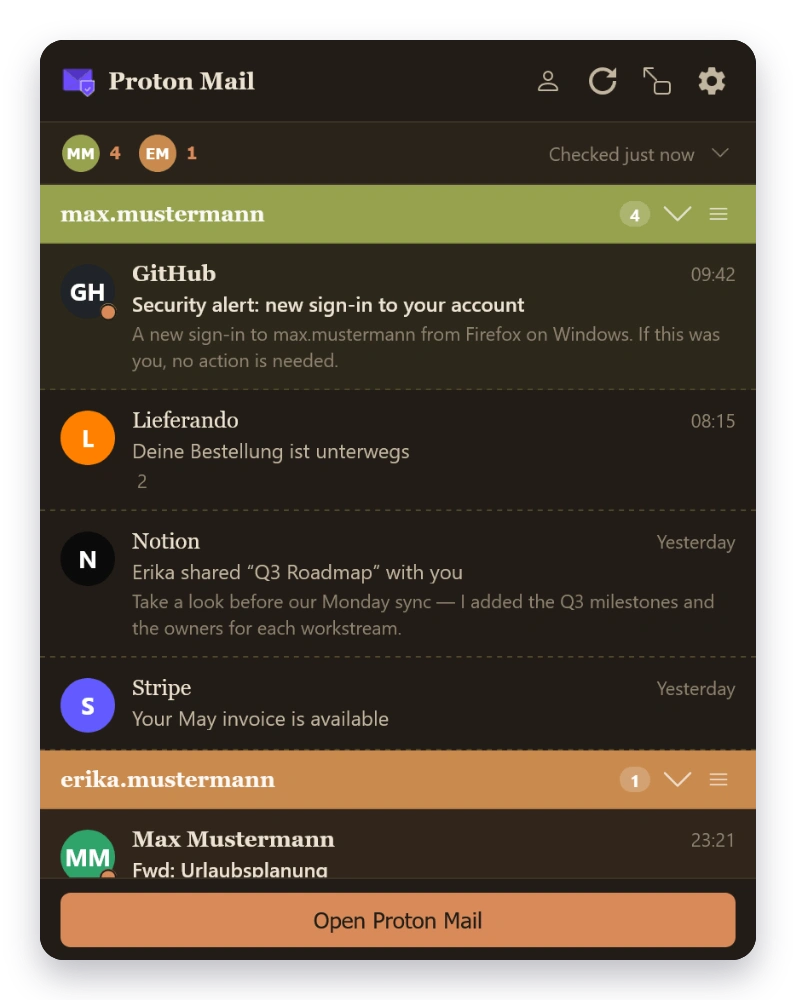
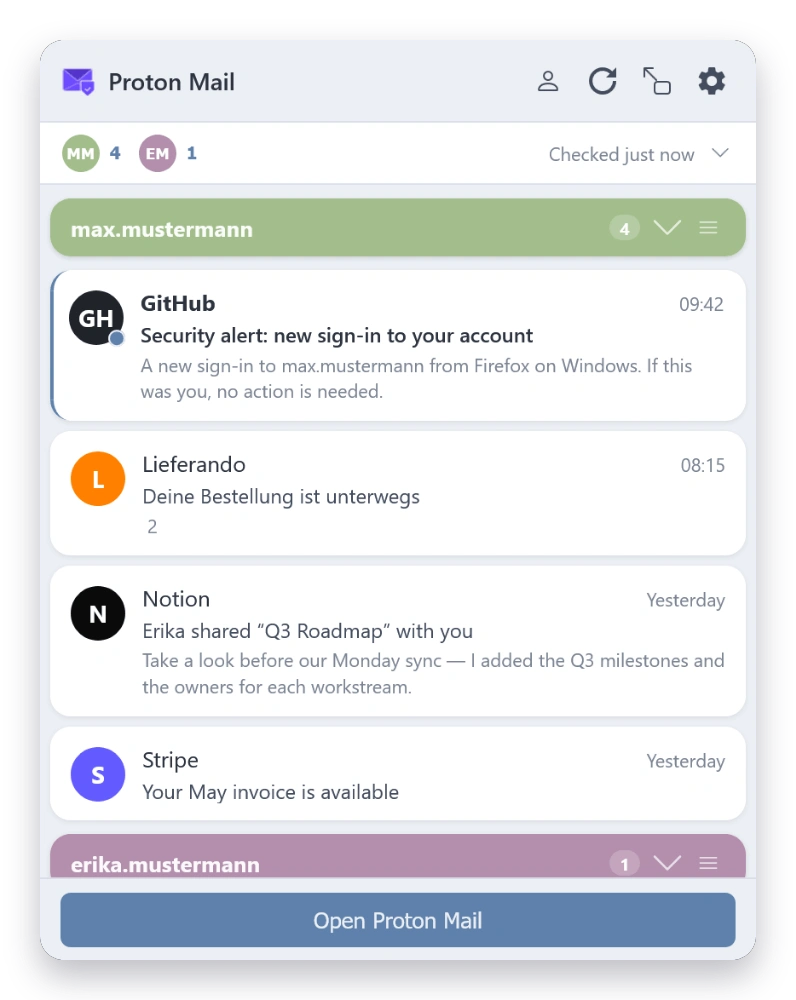
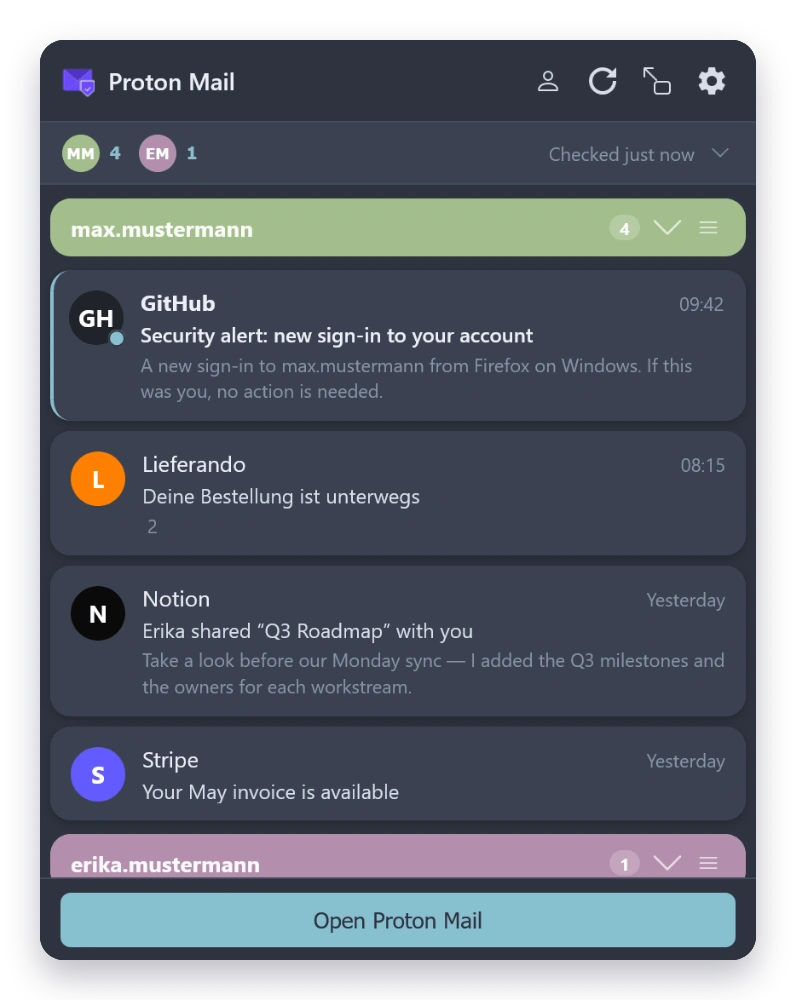
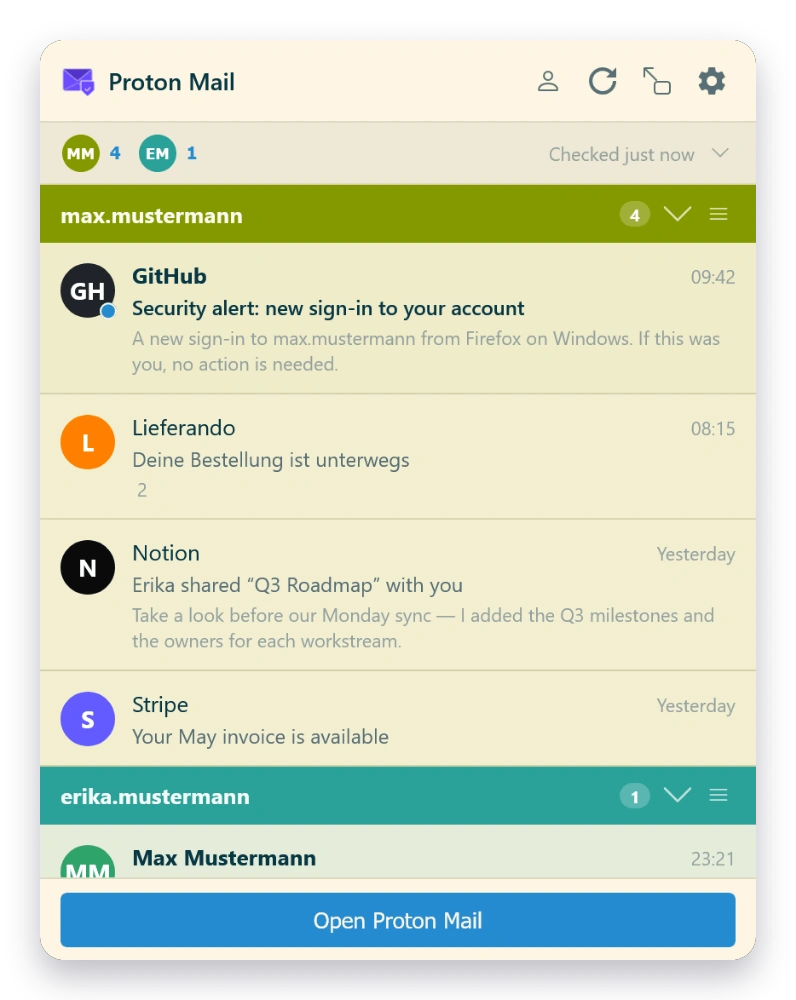
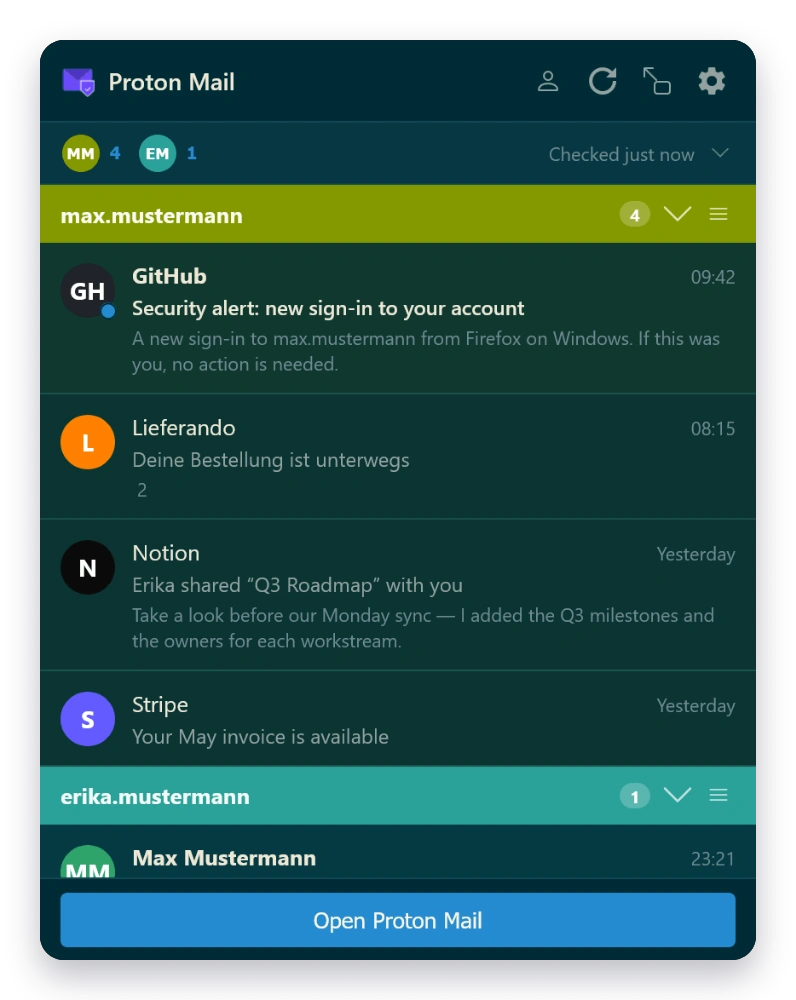
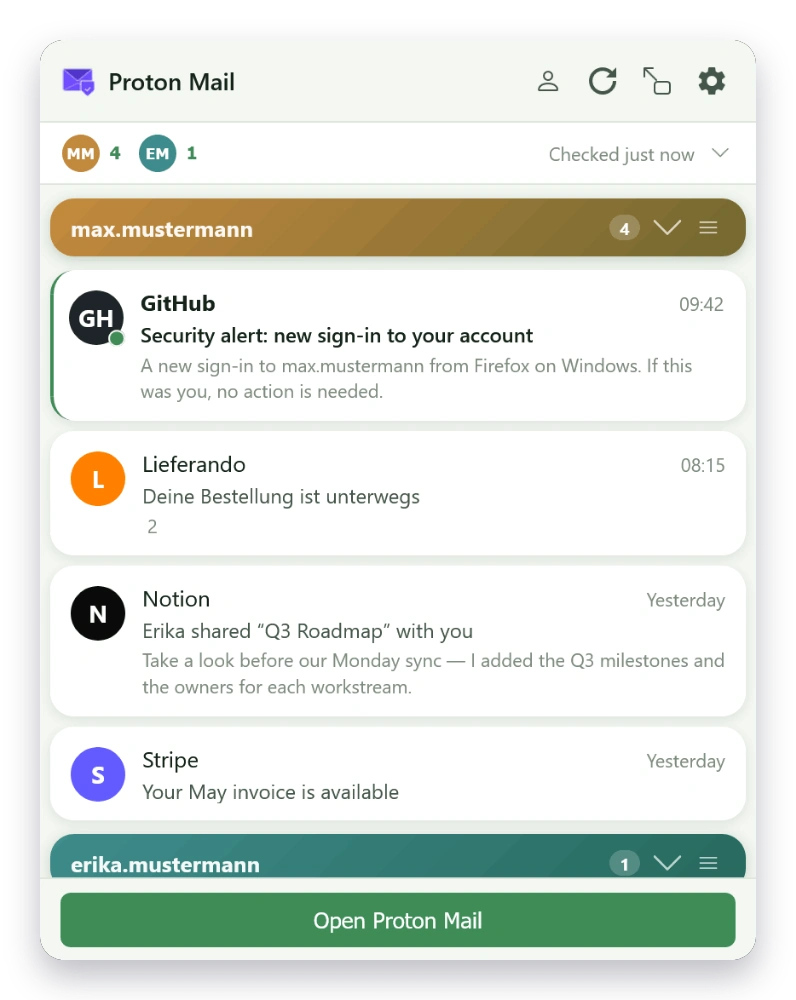
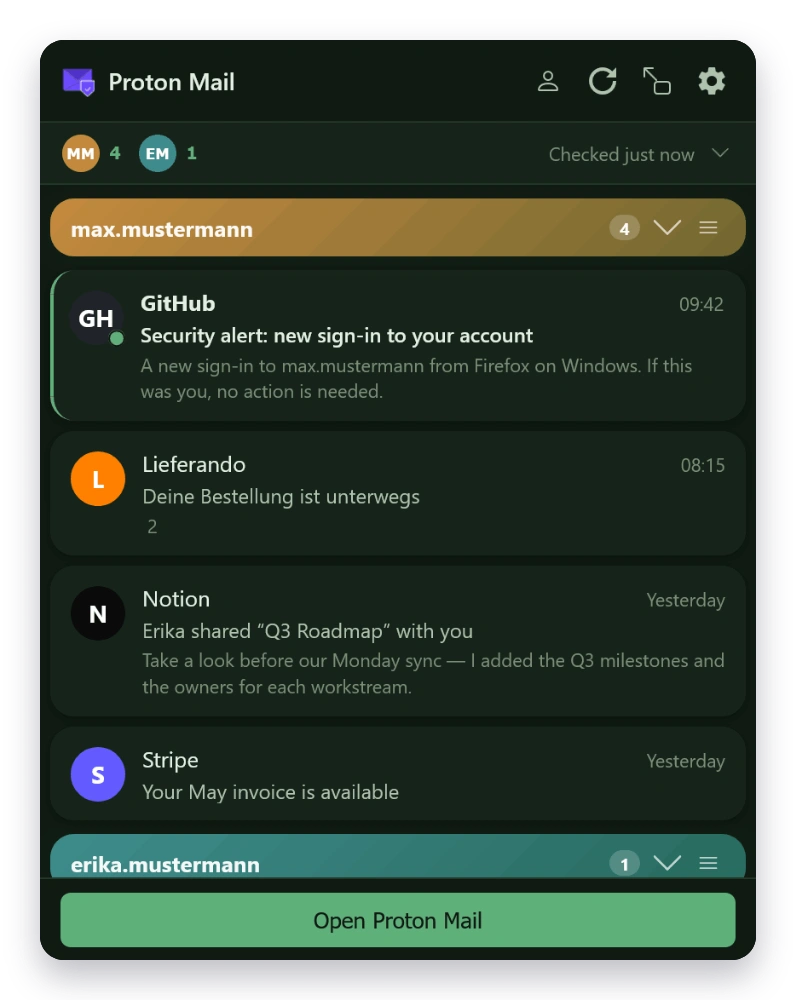
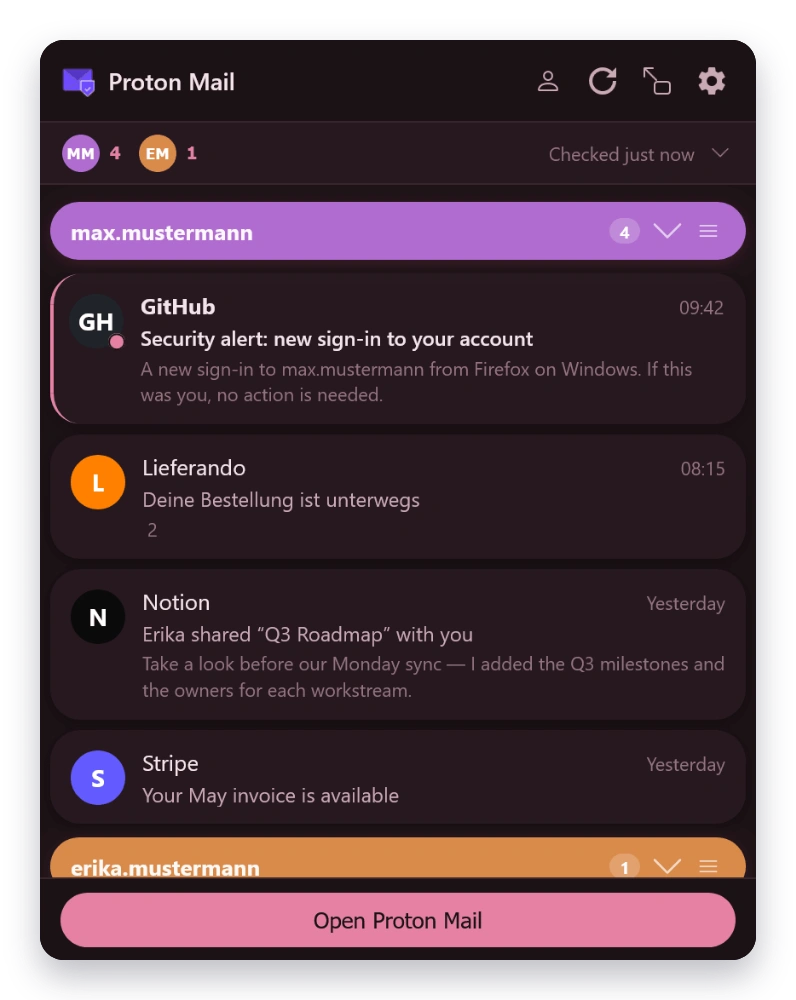
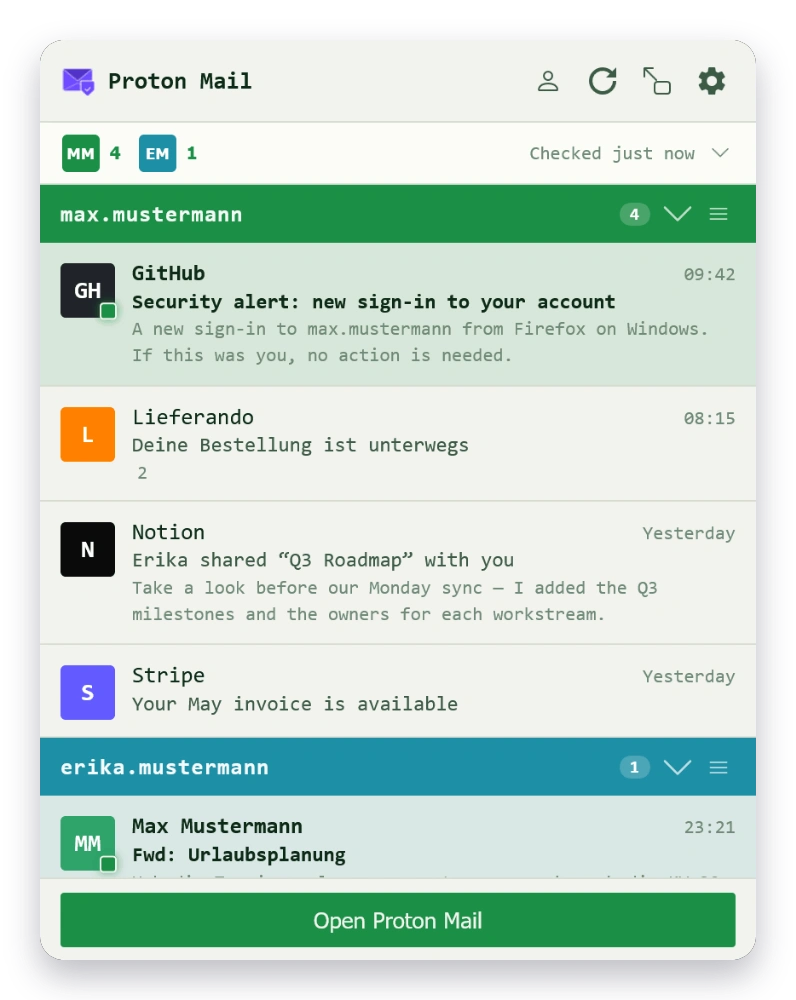
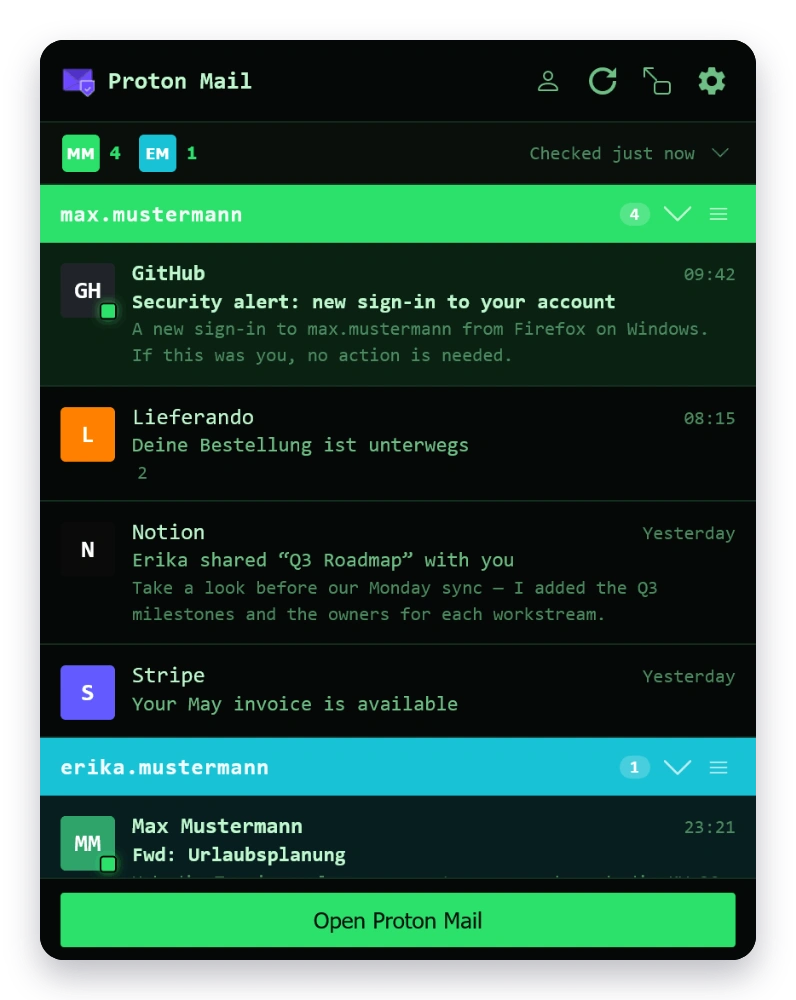
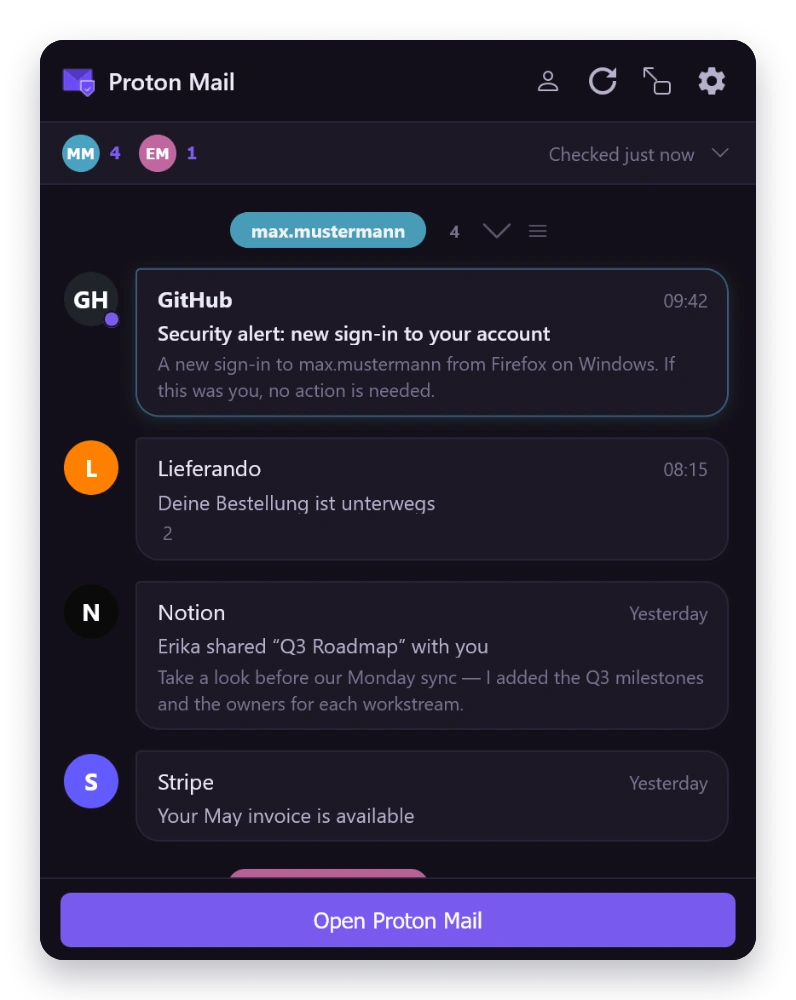
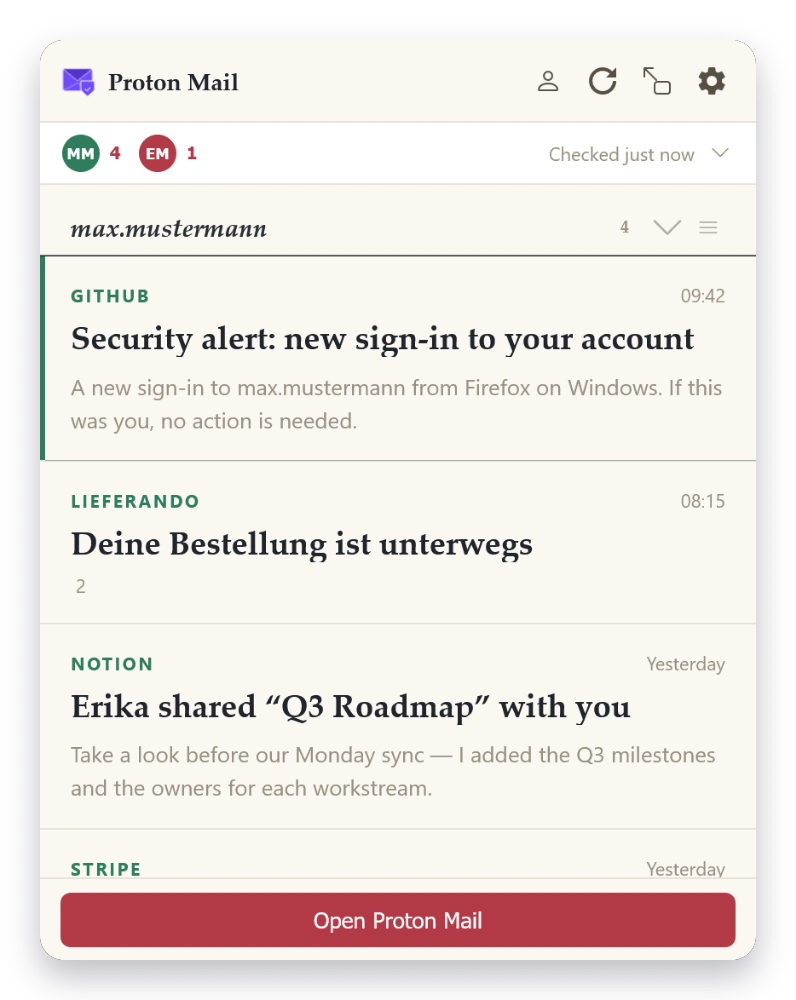
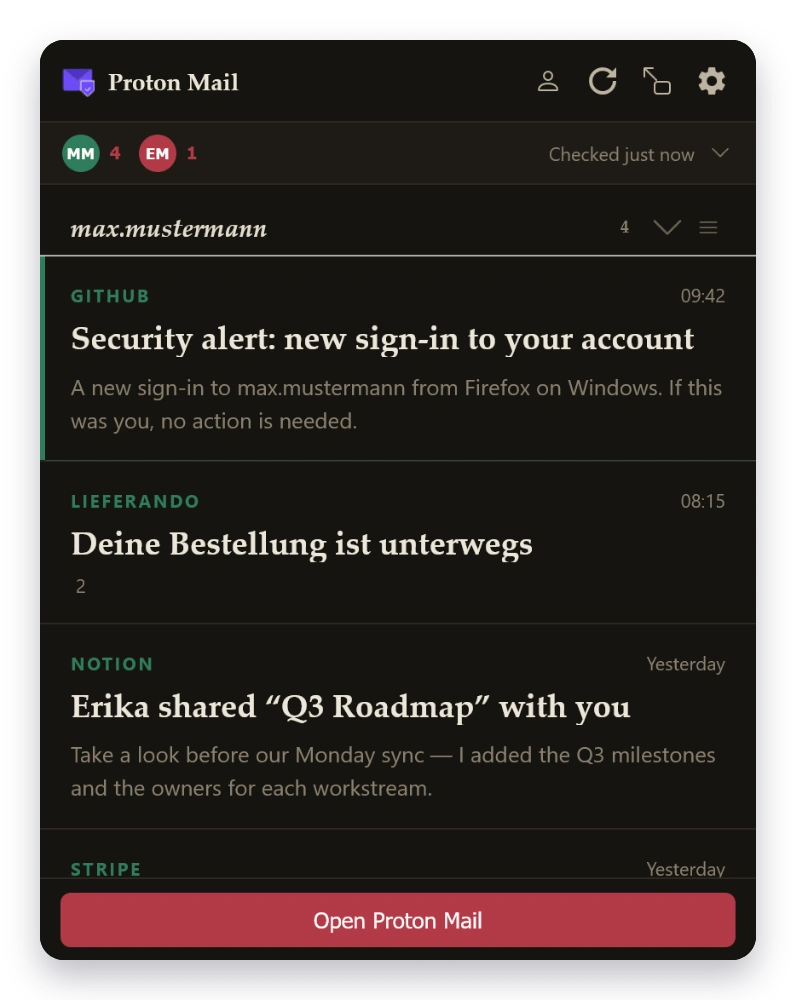
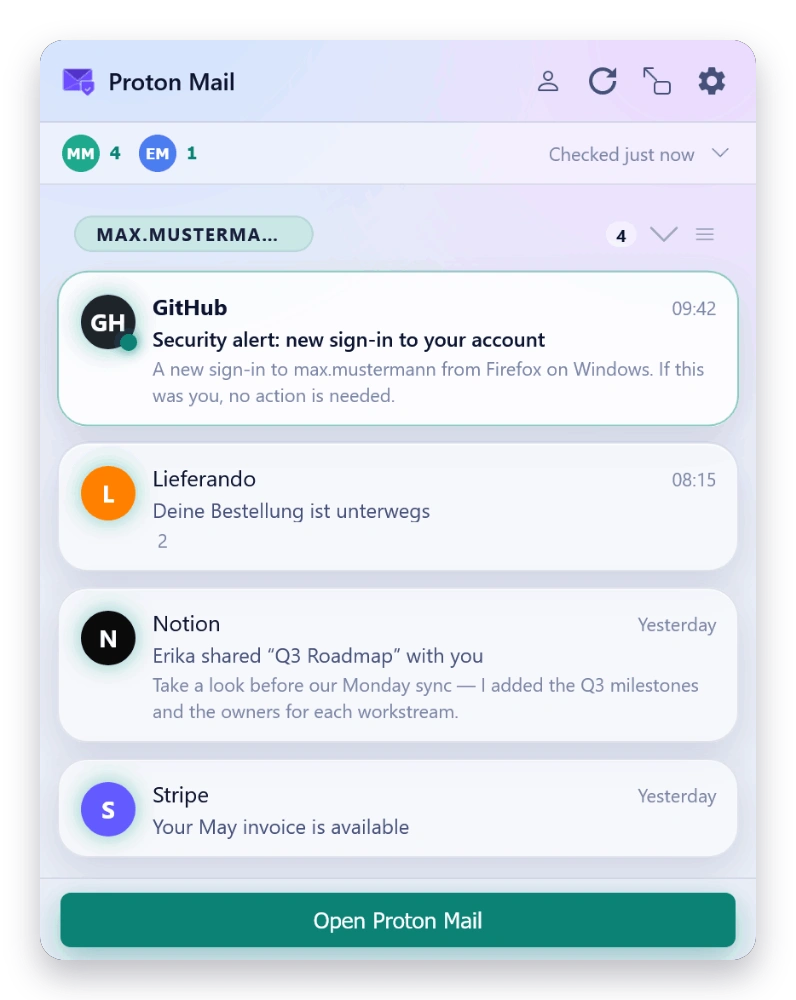
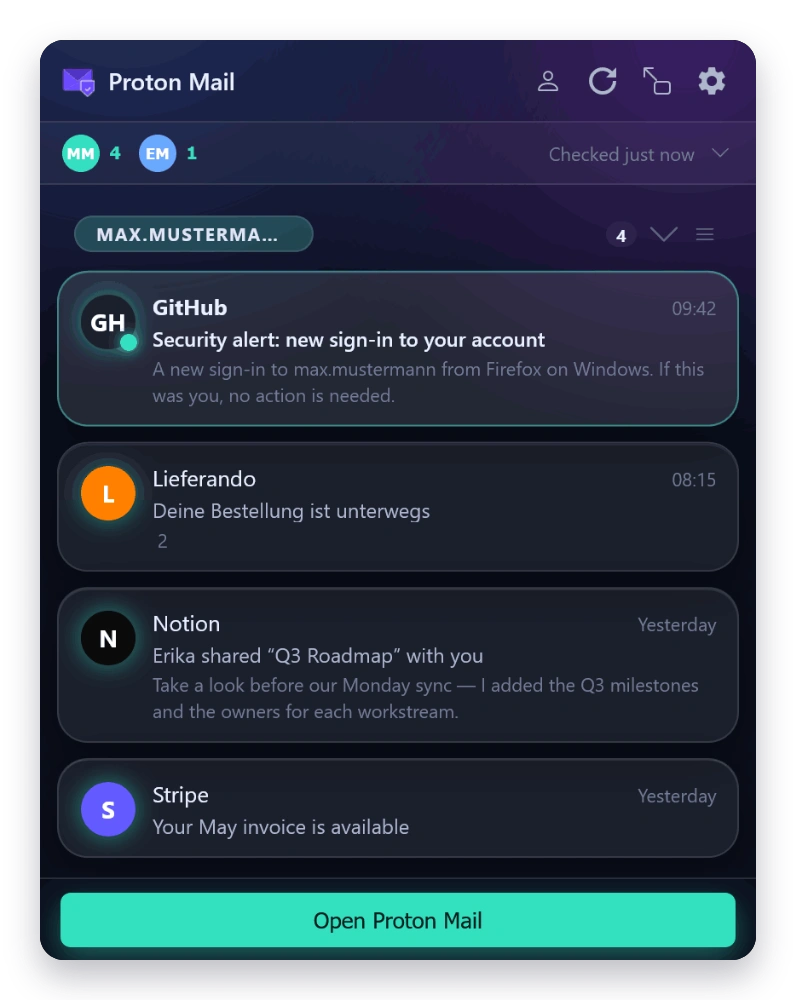
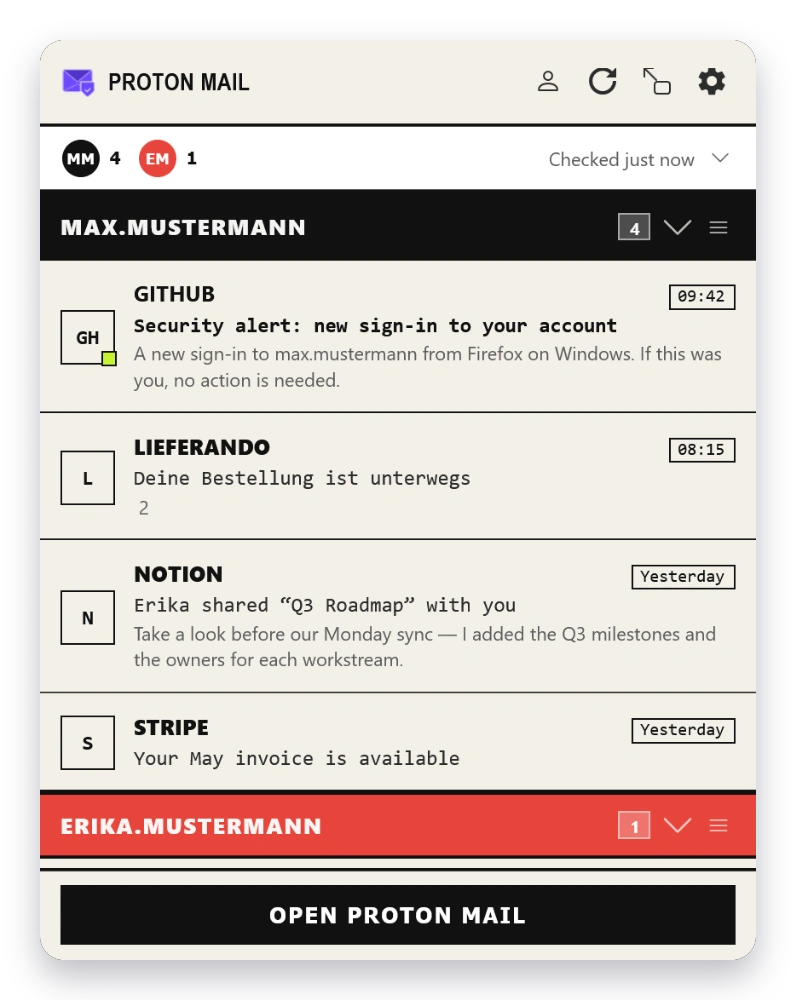
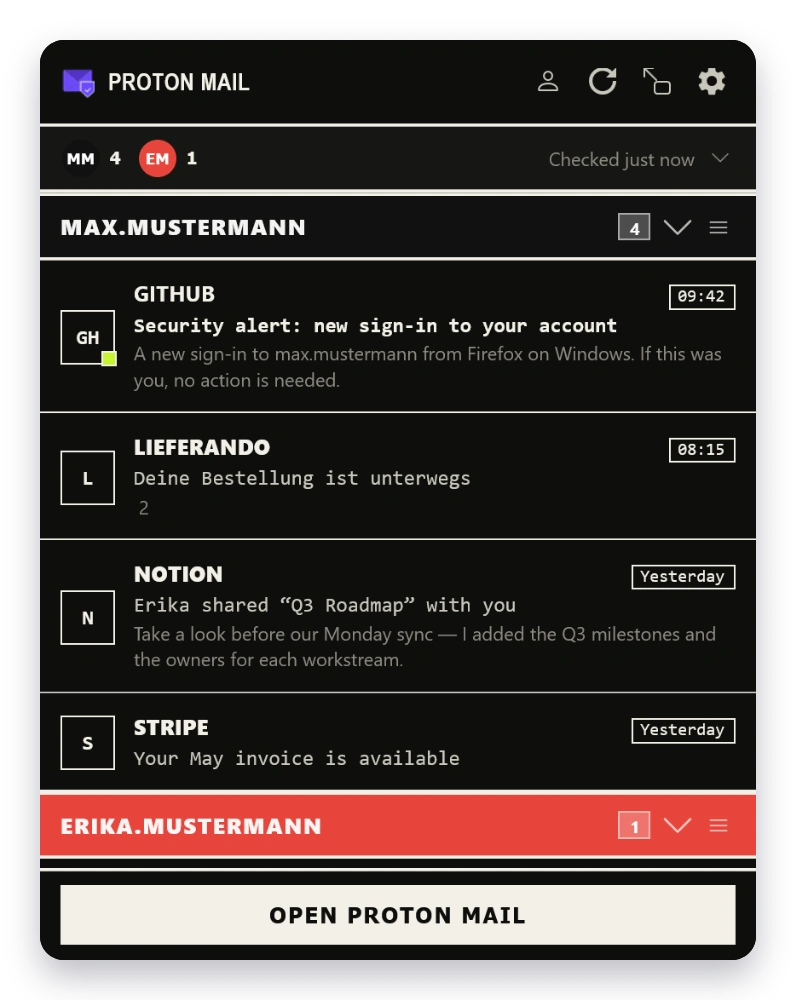
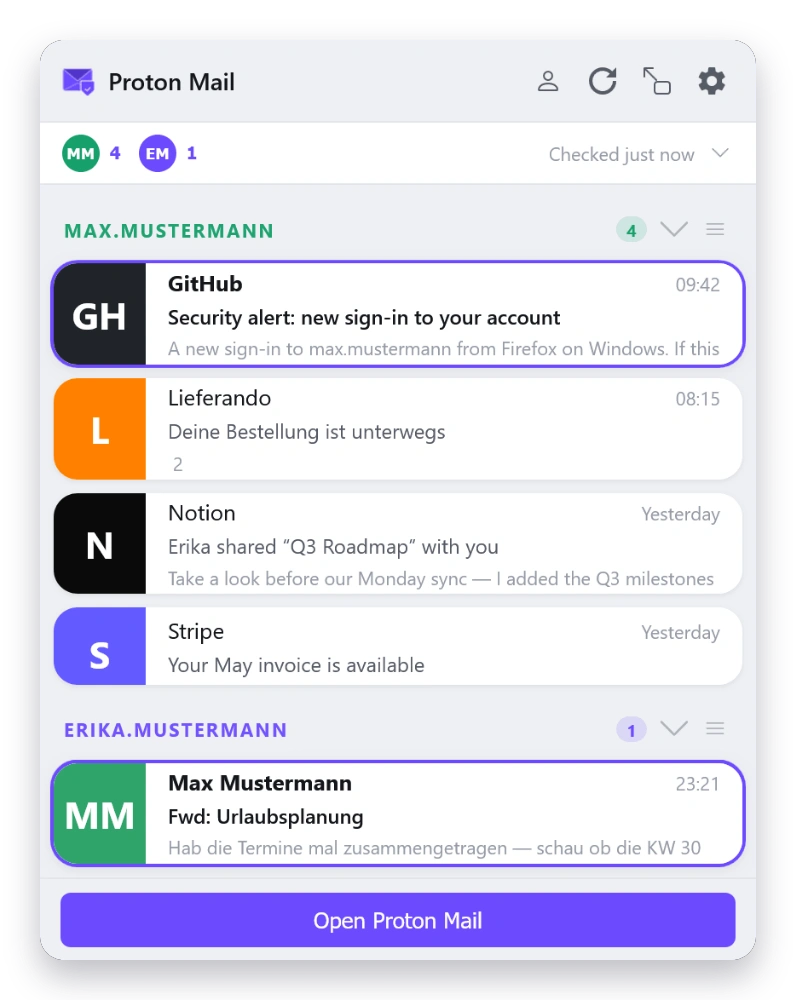
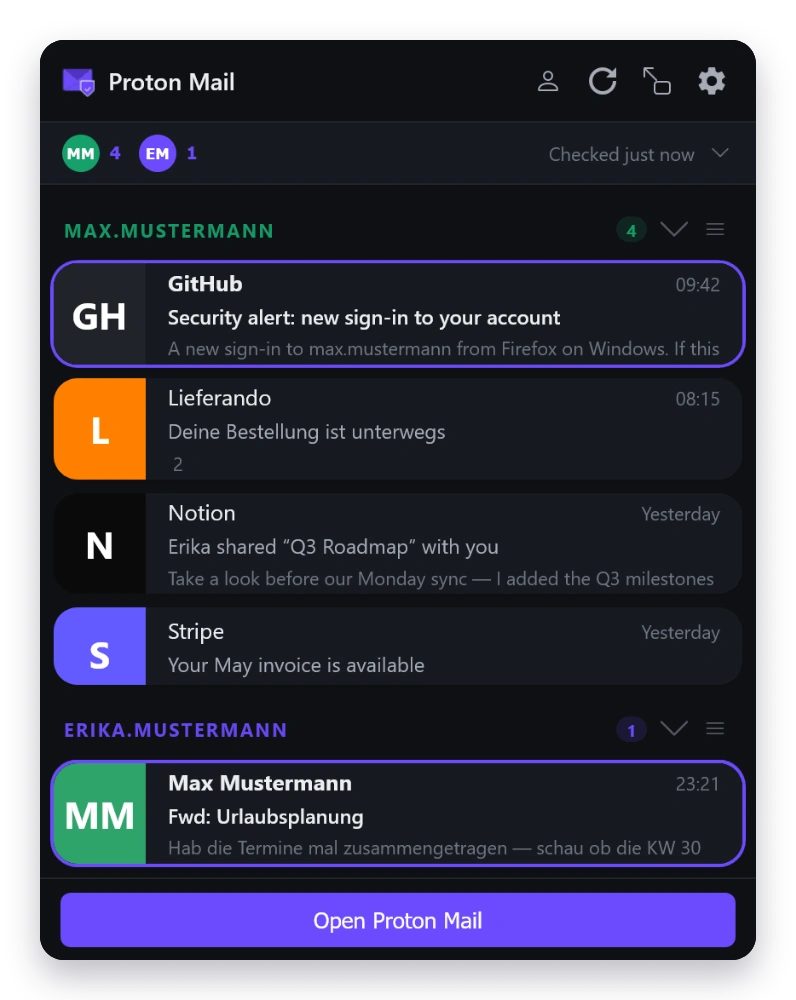
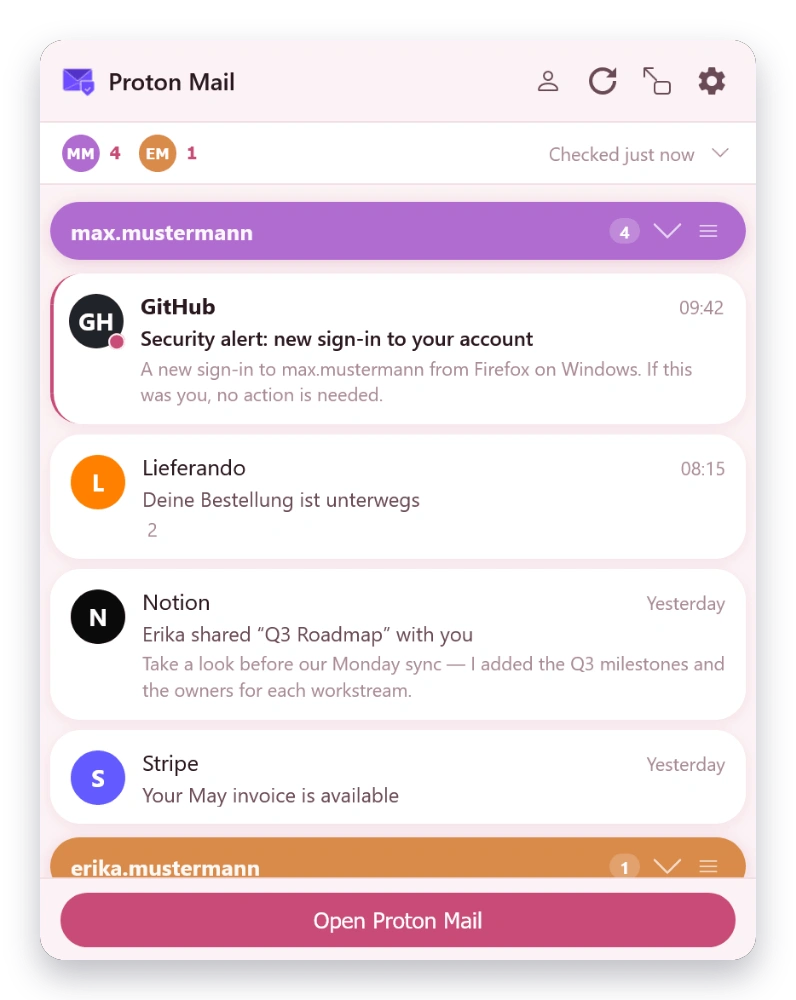
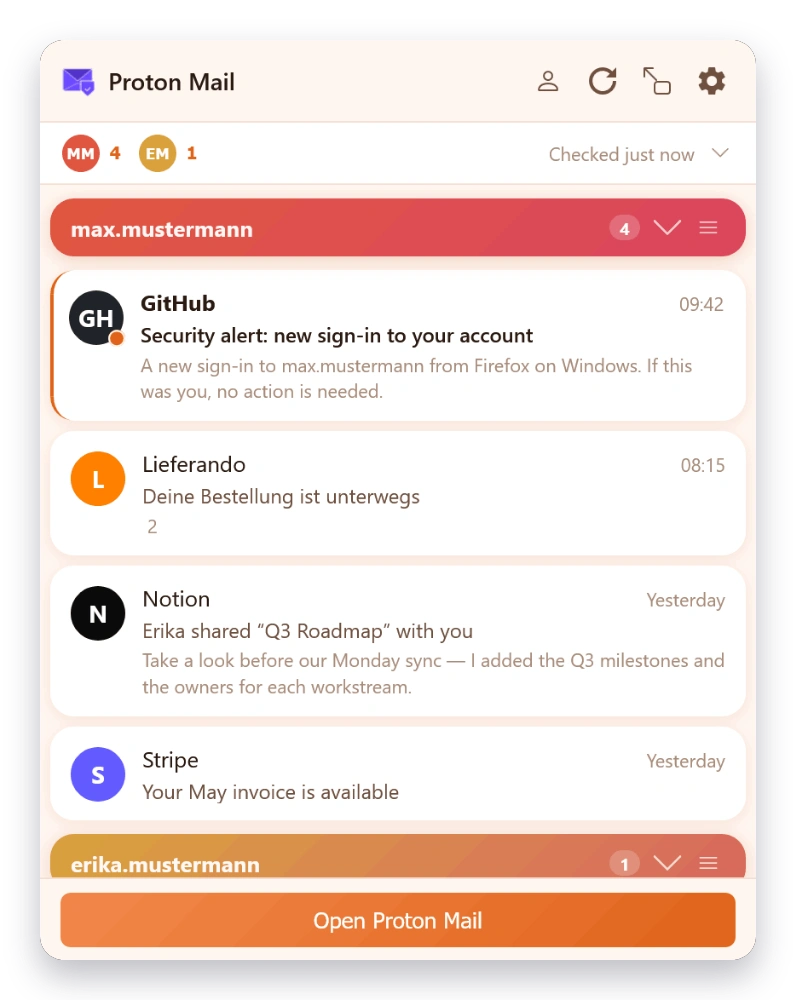
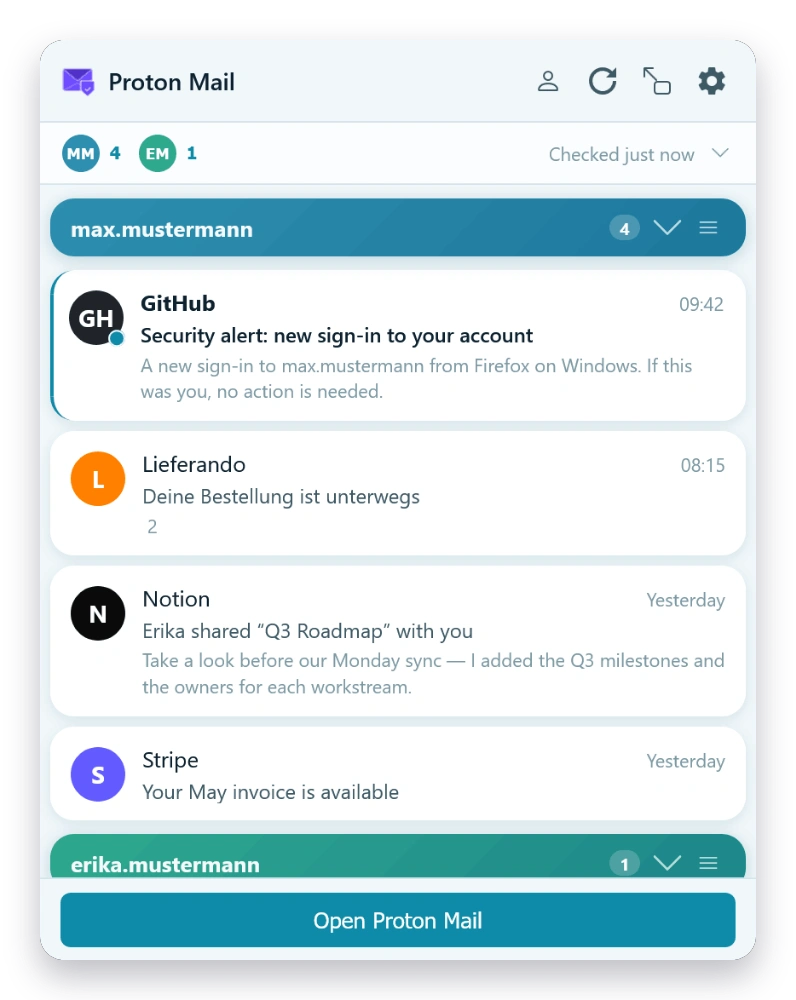
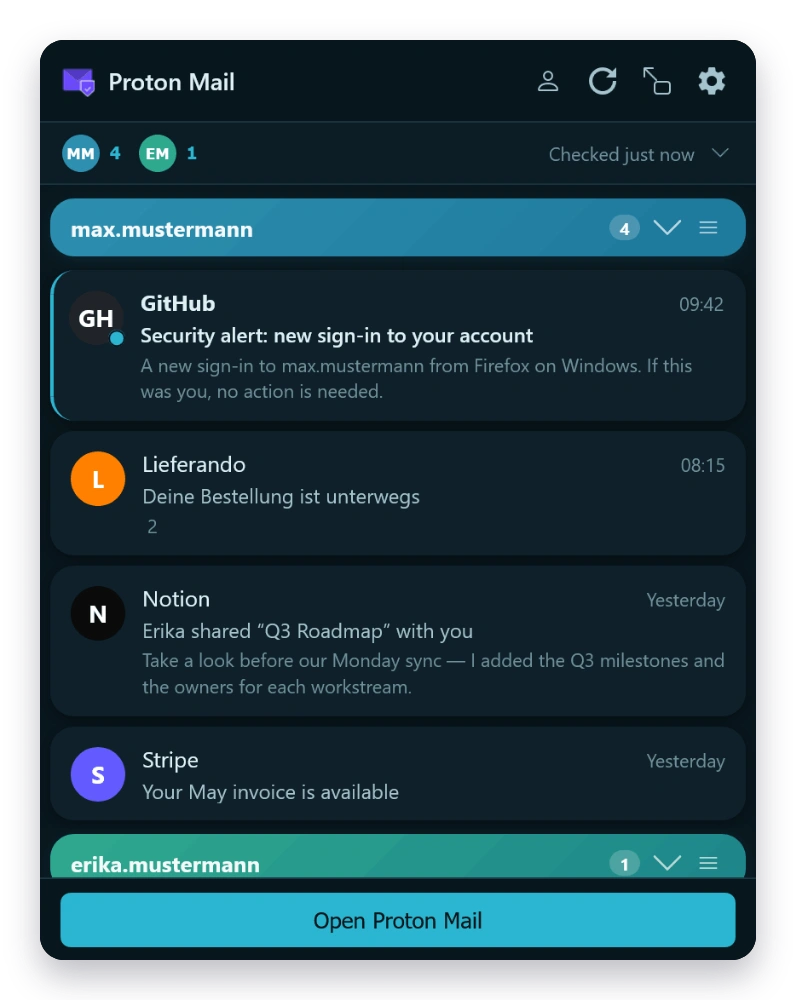
Classic, Modern and Material UI themes, plus a range of color and layout themes — each in light, dark or auto. The gallery shows whichever matches this page; flip the toggle to see the rest.

Mail Checker inbox in the Classic theme — light Mail Checker inbox in the Classic theme — dark
Classic
Mail Checker inbox in the Modern theme — light Mail Checker inbox in the Modern theme — dark
Modern
Mail Checker inbox in the Material theme — light Mail Checker inbox in the Material theme — dark
Material
Mail Checker inbox in the Slate theme — light Mail Checker inbox in the Slate theme — dark
Slate
Mail Checker inbox in the Graphite theme — light Mail Checker inbox in the Graphite theme — dark
Graphite
Mail Checker inbox in the Paper theme — light Mail Checker inbox in the Paper theme — dark
Paper
Mail Checker inbox in the Nord theme — light Mail Checker inbox in the Nord theme — dark
Nord
Mail Checker inbox in the Solarized theme — light Mail Checker inbox in the Solarized theme — dark
Solarized
Mail Checker inbox in the Forest theme — light Mail Checker inbox in the Forest theme — dark
Forest
Mail Checker inbox in the Blossom theme — light Mail Checker inbox in the Blossom theme — dark
Blossom
Mail Checker inbox in the Terminal theme — light Mail Checker inbox in the Terminal theme — dark
Terminal
Mail Checker inbox in the Sunset theme — light Mail Checker inbox in the Sunset theme — dark
Sunset
Mail Checker inbox in the Ocean theme — light Mail Checker inbox in the Ocean theme — dark
Ocean
Mail Checker inbox in the Stream theme — light Mail Checker inbox in the Stream theme — dark
Stream
Mail Checker inbox in the Timeline theme — light Mail Checker inbox in the Timeline theme — dark
Timeline
Mail Checker inbox in the Digest theme — light Mail Checker inbox in the Digest theme — dark
Digest
Mail Checker inbox in the HUD theme — light Mail Checker inbox in the HUD theme — dark
HUD
Mail Checker inbox in the Brutalist theme — light Mail Checker inbox in the Brutalist theme — dark
Brutalist
Mail Checker inbox in the Postcard theme — light Mail Checker inbox in the Postcard theme — dark
Postcard

Data & Encryption

Exactly what lives where.

Here’s what the extension stores, and where. All traffic goes to Proton’s servers except for hCaptcha (during human verification) and a small license-check endpoint for Pro subscriptions. No analytics, no telemetry.

Encrypted on disk

browser.storage.local · AES-256-GCM
  • Mailbox key password (used to unlock your PGP keys)
  • Access and refresh tokens

Plaintext on disk

browser.storage.local
  • Account metadata: email address, user ID, display name
  • Message metadata: unread counts, message IDs, folder state
  • Your preferences and settings

In memory only

Never written to disk
  • Your decrypted PGP private keys
  • Decrypted message bodies and 500-character preview snippets
  • Contact data used for recipient autocomplete (per-account cache, 5-min TTL)
  • Attachments (fetched on demand, never cached)

Security boundary. The encryption key for the at-rest secrets is stored in the same browser-storage area, so this protects against casual profile inspection and accidental exposure in backups, but not against malicious browser extensions or a compromised user profile. If that’s in your threat model, Proton Mail in a private browser profile with only vetted extensions is the stronger choice.
Want stricter isolation? If you’d rather have no Proton data touching local extension storage — or any other link in the chain — use Proton Mail’s web interface directly, which keeps everything in the tab session only. You give up popup convenience in exchange for zero additional trust.


How it compares

Mail Checker vs. Proton’s own options

Proton Mail is excellent in a tab. Mail Checker is for the times you’d rather not keep one open.

Capability Mail Checker Proton Mail web app Bridge + email client
Read & reply from the browser toolbar Yes NoIt is a full browser tab NoUses a separate desktop email client
New-mail notifications without a Proton Mail tab open YesBackground polling on your chosen interval NoPer Proton’s docs, the web app notifies while a tab is open Via your email client
Works on a free Proton plan YesFree tier; Pro is optional Yes NoBridge needs a paid Proton Mail plan
What you install A browser extension Nothing — a browser tab A desktop app + an email client
End-to-end encrypted (OpenPGP) Yes Yes Yes

Proton’s first-party options, as of June 2026. Proton Mail Bridge runs on paid Proton Mail plans and provides IMAP/SMTP to desktop email clients.


Pricing

Free & Pro.

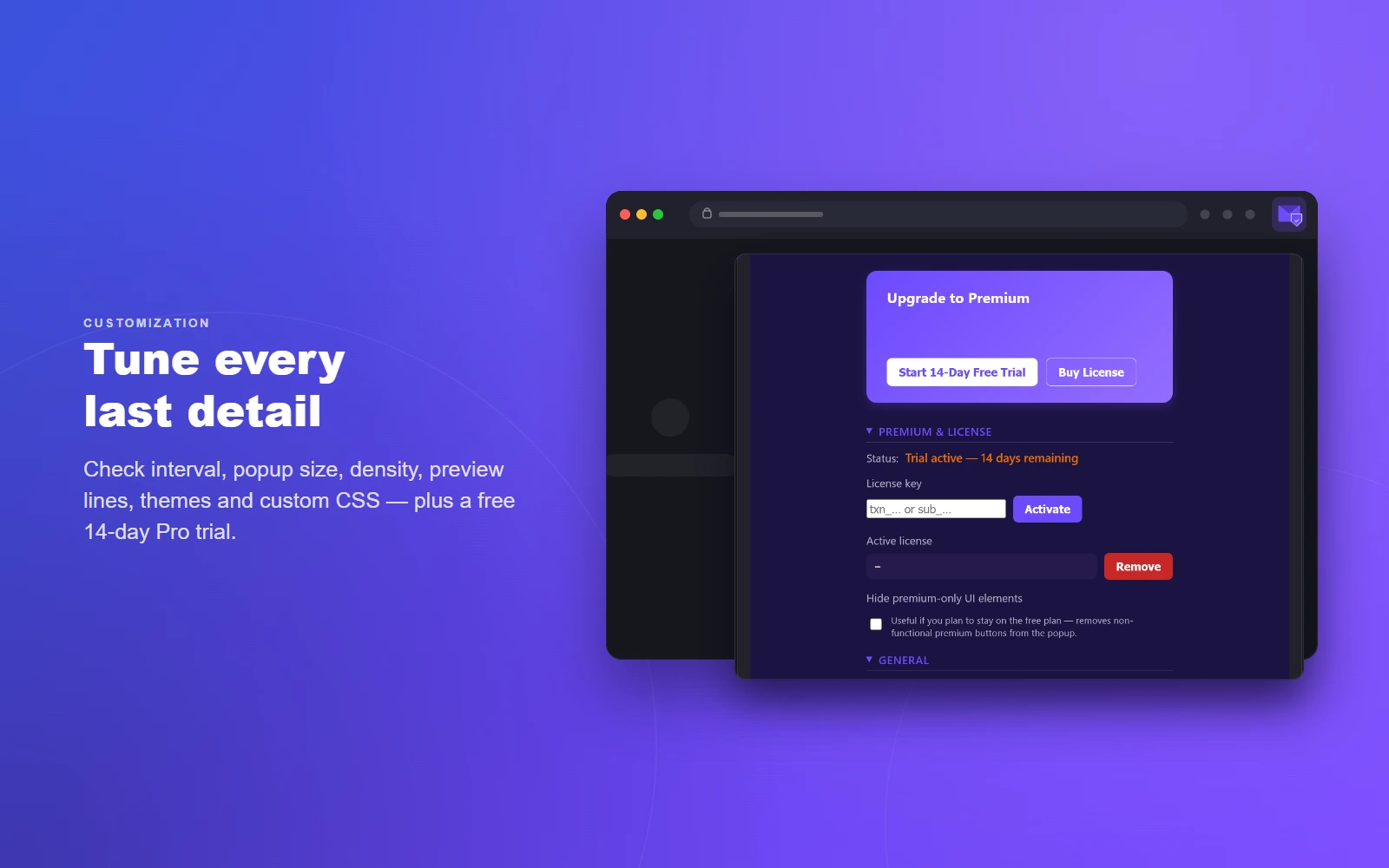
Use the free version indefinitely or upgrade to Pro for the full experience.

Free

€0

Includes a 14-day Pro trial — try every feature first

  • Single Proton account
  • Unread count badge & message list
  • Message preview (plain text only)
  • Basic desktop notifications
  • Default theme only
  • End-to-end encryption

One subscription is for a single person. For team, family or business use, contact me. Payments processed by Paddle.com, our Merchant of Record.


FAQ

Common questions

Does Proton Mail have an official browser extension?

No. As of 2026, Proton offers no official browser extension for Proton Mail — its Mail clients are the web app, the mobile and desktop apps, and Proton Mail Bridge (IMAP/SMTP for desktop email clients, on paid plans). Proton Pass and Proton VPN do have official extensions, but those aren’t for Mail. Mail Checker for Proton Mail is an independent extension and is not affiliated with Proton AG.

How do I read Proton Mail without keeping a tab open?

Mail Checker lives in your browser toolbar. It signs in to your account directly using Proton’s SRP login and checks for new mail in the background, so you can read, reply and compose from the popup without opening mail.proton.me in a tab.

Will I still be notified of new mail after I close the Proton Mail tab?

Proton’s web app shows new-mail desktop notifications while Proton Mail is open in a browser tab (per Proton’s support docs); for other cases Proton points to its mobile apps and email notifications. Mail Checker is built for exactly this gap — it polls in the background on an interval you choose and shows desktop notifications without a Proton Mail tab open. More on Proton Mail notifications in the browser →

Can I check multiple Proton Mail accounts at once?

Yes. Mail Checker monitors several Proton Mail accounts at the same time, each with its own folders, labels, colour and notification settings. (The free tier covers a single account; multiple accounts are part of Pro.)

Is it safe? What can the extension access?

It signs in with Proton’s SRP protocol, so your password never leaves your device. Its browser host access is limited to *.proton.me and it talks only to Proton’s servers — the only exceptions are hCaptcha during Proton’s human-verification step and a small licence check for Pro subscriptions. There is no analytics and no telemetry. The Data & Encryption section above lists exactly what is stored and where.
How is this different from Proton Mail Bridge?

Proton Mail Bridge is a desktop app — available on paid Proton Mail plans — that runs a local IMAP/SMTP server so you can use a separate email client such as Thunderbird or Outlook. Mail Checker is a browser extension with its own popup, needs no separate client, and has a free tier. They solve different problems.

Get in touch

Direct, personal support.

Replies are personal — no ticketing systems, no chatbots.

Please include the extension version (Settings → About) and your Firefox or Chrome version when reporting bugs.


Also from olausson.de

Sync Provider for Proton

A native Android sync adapter for Proton Contacts and Proton Calendar — fully encrypted, works with every app on your phone.

Read more